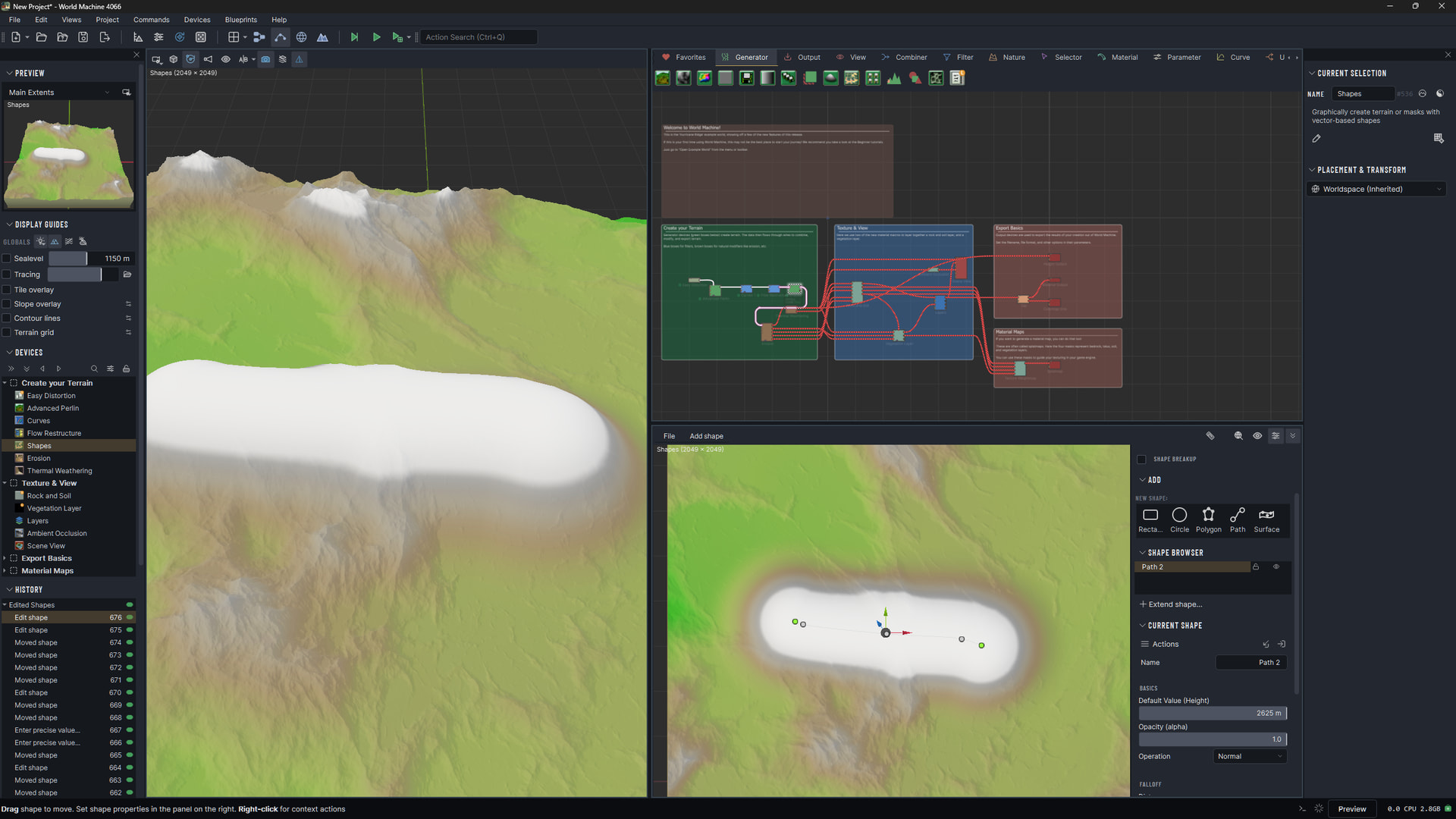
When I draw a path inside Shapenode I can use the Slider Default Value (Height) to shange height.
If I then select and sets a keypoint to precise value (1000) The Slider Default Value (Height) stop working .
I then need to select the BLUE UP ARROW to change the height.
This is intended behavior, although I understand why it might be confusing.
The default shape height only matters if you haven’t customized the vertex heights. Once you set per-vertex heights, the interpolation is solely from those and the default value doesn’t matter.
What WM should probably do is disable the slider and have the tooltip tell you this when it happens.
I’ve implemented the disable+tooltip for the next version.