I would like to be able to use CLAM/CLIP inside SHAPE nod instead of outside it.
I need to make flat areas around the map on diffrent location the only way to do it is using SHAPE in combine with CLAMP/CLIP.
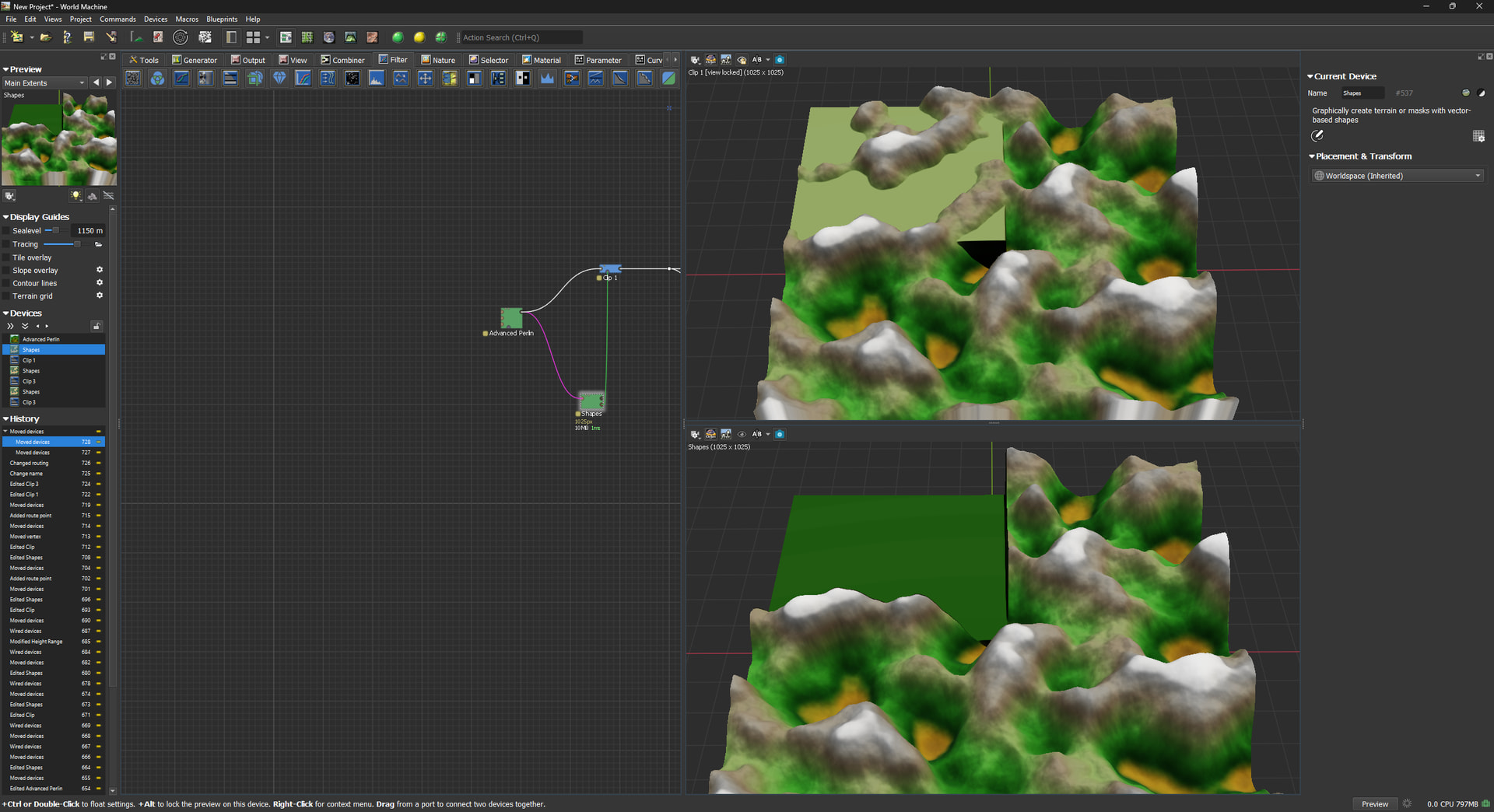
The bottom right is SHAPE it makes flat area but removes the mountain
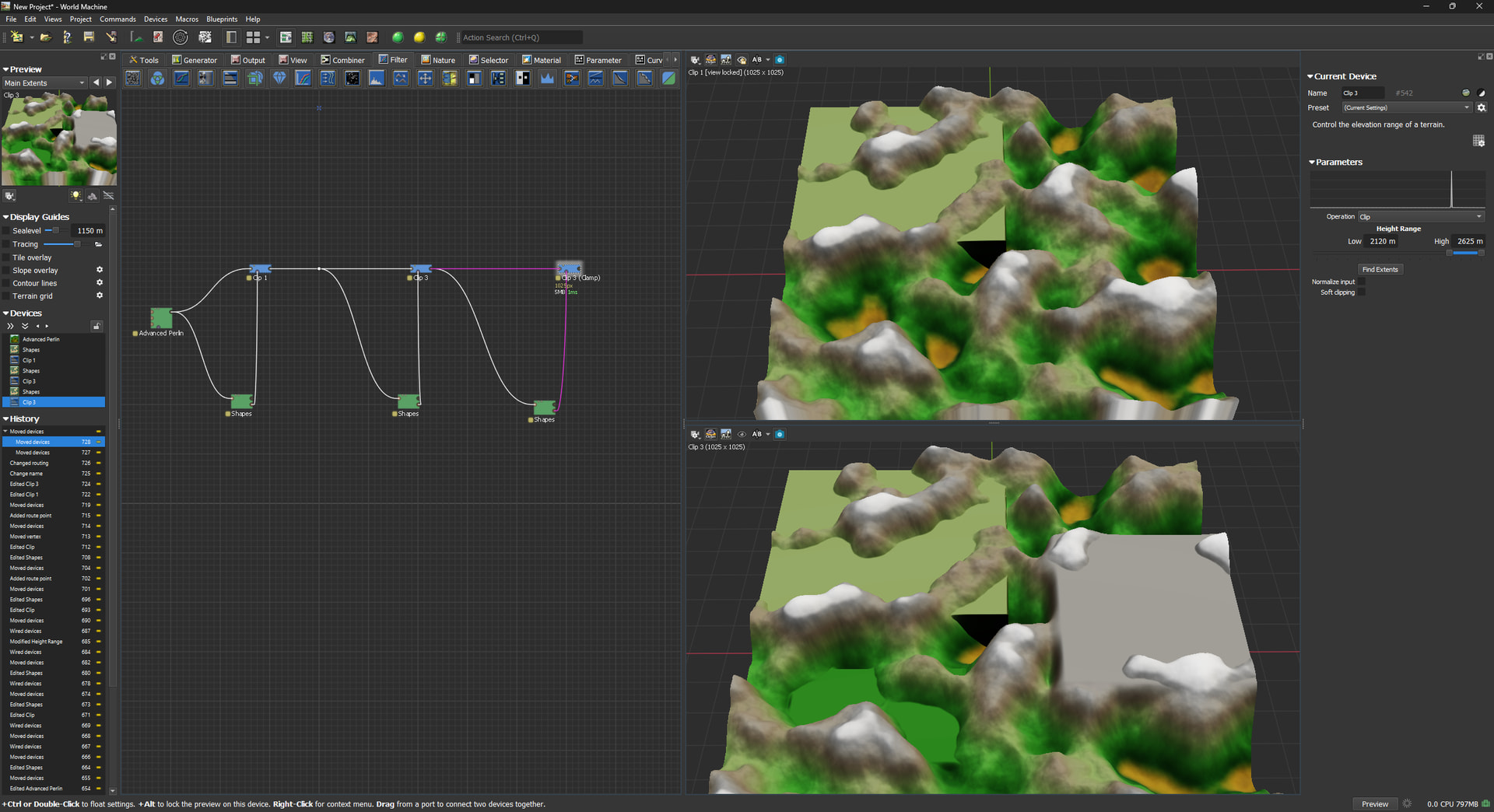
Top right is CLAMP/CLIP.. I want to create a flat area around the mountain.
To achive this I need to use CLAMP/CLIP and SHAPE on every place around the map.
So the ide was to have CLAMP/CLIP function “inside” SHAPE so I could do it in one place, instead of many outside..
Now that I am thinking about it, maybe the hole CLAMP nod should be inside SHAPE.
What do you think about that?
2 Likes
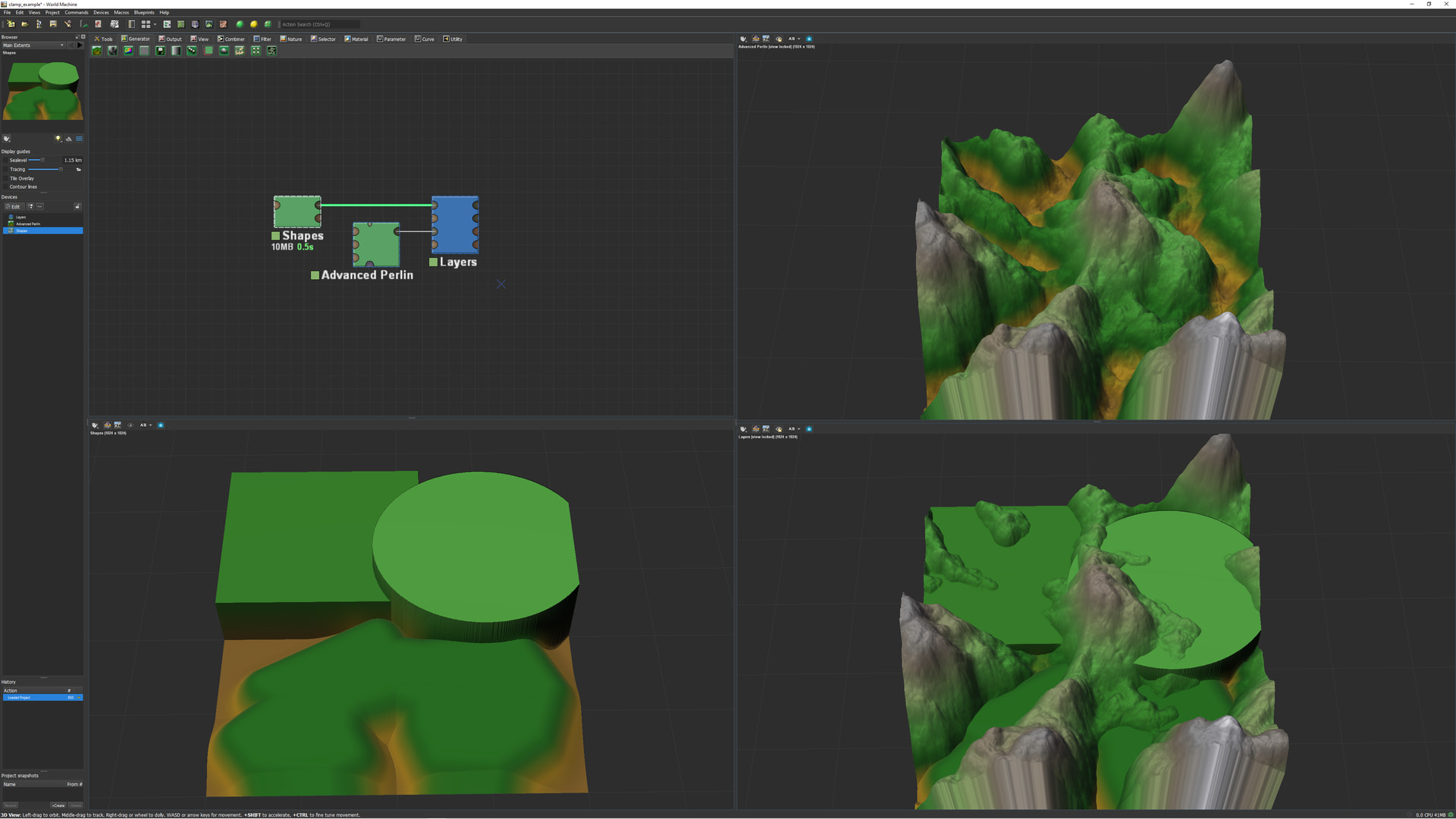
You could actually just do this with a single Layers device, if I’m understanding correctly. You set up your different shapes (In the example file I provide, I have them all in a single Shapes device, but that doesn’t necessarily have to be the case), set those as the lowest layer, then add your terrain as the next layer, and switch the mode to Heightblend Merge, and you should be off to the races! Here’s an example file just to make sure I’m understanding the issue correctly and so you can quickly test if it works for your specific use case.
clamp_example.tmd (37.0 KB)
Editing to note: Another way to accomplish the same thing would be to use a Combiner device set to Smooth Max, but the Layers approach makes it easier to have multiple different zones while only using a single device to combine them. I’m also not sure the layer order even matters. (I can confirm that, in the provided example file, the layer order does not matter).
3 Likes
Thank you for replying
That is what I needed. Never thought about layers.
It is a good start for sure.
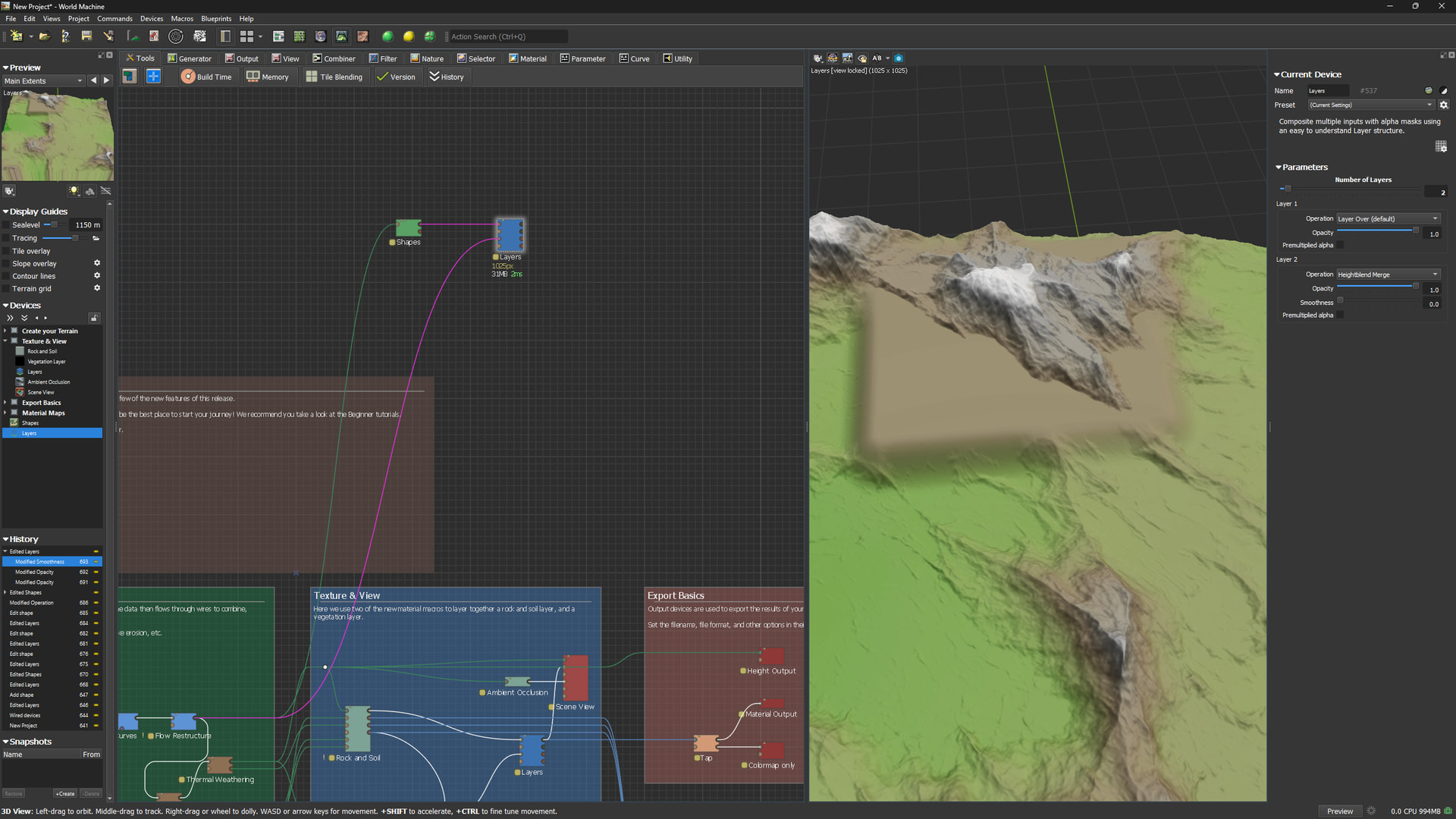
I have set opacity to max then I can change individual height on each shape inside the shape node.
Thank you so much for this workflow.
4 Likes