What happened: On every attempted build I get a flood of this error.
Does it happen consistently, or randomly? See above.
The steps to reproduce it. Include a screenshot or world file if possible: from Build Report
Prohibiting system sleep

*** Build Starting ***

Error:

Could not create page file C:\\Users\\david\\AppData\\Roaming\\World Machine Release\\4049\\temp\\packet2068063316448.tmp

Error:

Could not create page file C:\\Users\\david\\AppData\\Roaming\\World Machine Release\\4049\\temp\\packet2061945524240.tmp

Error:

Could not create page file C:\\Users\\david\\AppData\\Roaming\\World Machine Release\\4049\\temp\\packet2061945524048.tmp

Error:

Could not create page file C…
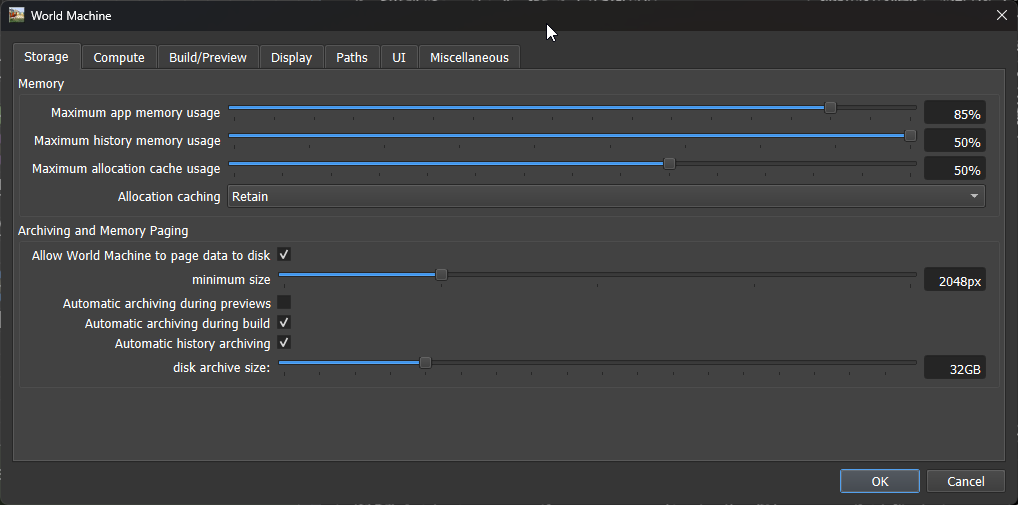
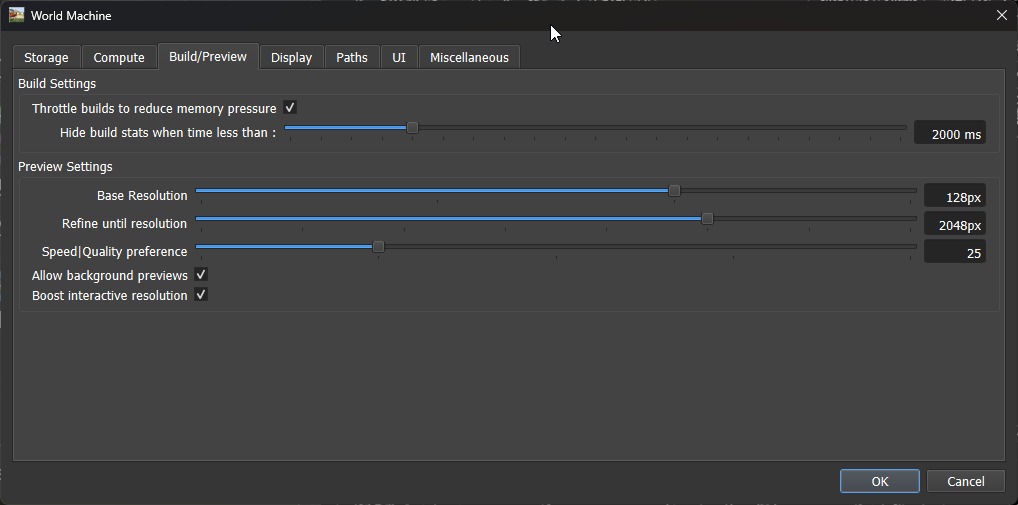
These are the install defaults, so I don’t think they’re the problem. It might be a permissions issue, but would it default to AppData if that was the issue?
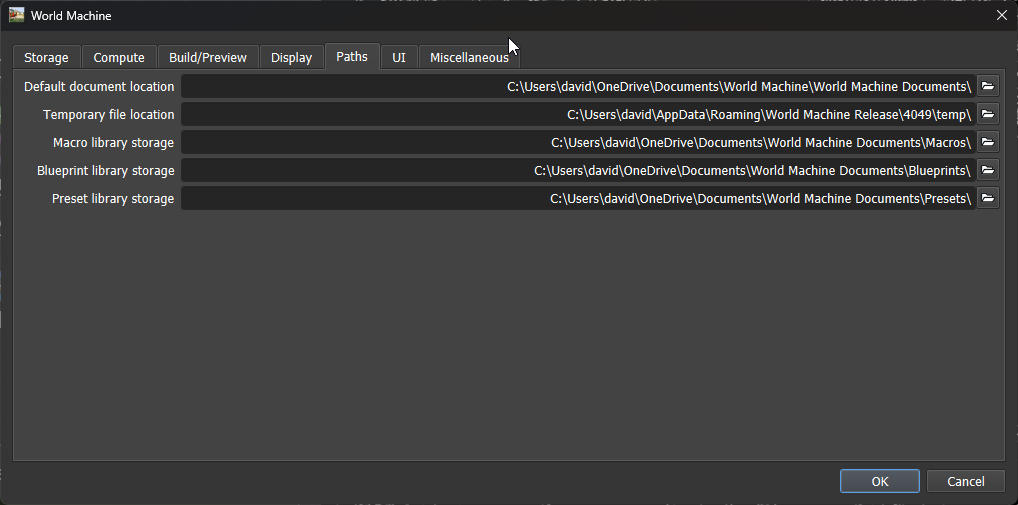
I strongly suspect that the temp folder that is set does not exist. The temp folder default that WM creates for itself usually does not have the build number after it. You can open the %APPDATA%\World Machine Release\ folder to confirm.
Well, I think the path reflects me installing to a “4049” subfolder. But on looking, the install path is now: C:\Program Files\World Machine 4049 Standard
I must have changed patterns on this new machine. I don’t recall if I changed the temp folder location though. In any case, the temp folder is at: “C:\Users\david\AppData\Roaming\World Machine Release\temp” and the license file I messaged to you came from the folder before it.
Okay, removing the 4049 subpath did fix it. I think I did the path updates assuming I’d need to isolate Standard and Dev builds that way. Brain glitch.