Thank you for replying.
Maybe I didn’t describe this clearly before.The point is resolution, not terrain stitching, stitching terrains is the last choice .The bitmap I imported is not used for texture directly, mask instead, I use it to mark the different materials in the terrain, such as red means soil, green means grass, blue means rock.Output the bitmap as a 16bit png, and the picture is black and white. Then in the UE4 I will input the real terrain texture, landscape material in the UE4 can classify different textures by the mask WM exported.The problem is that I import a high resolution bitmap in the WM, but limited by the output resolution set in WM, the output mask will be blur. Yesterday I tried to set resolution of the bitmap output device, and It will be black in the UE4, so now I don’t know how to do at all 
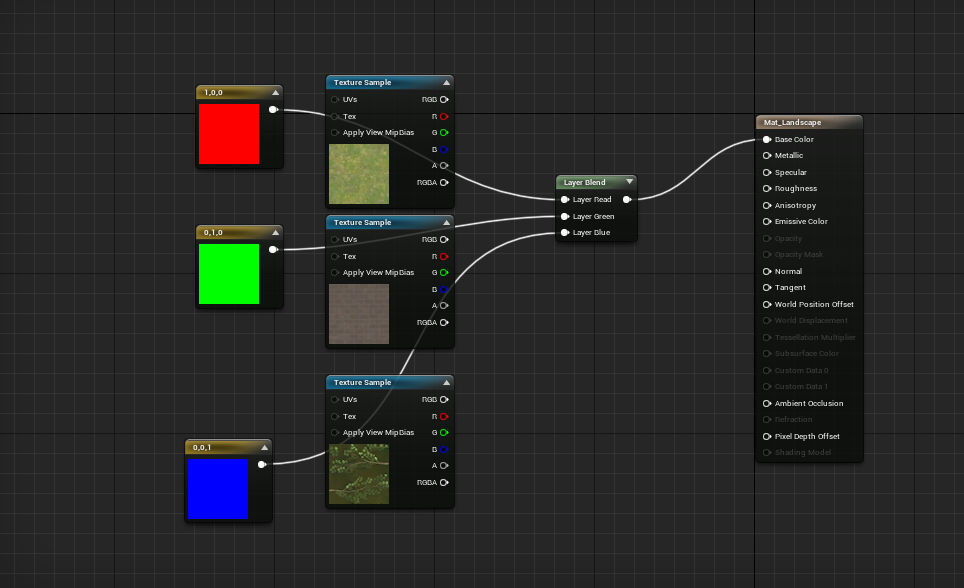
Here is the material editor in UE4, I can separate channels and set different material to the terrain.
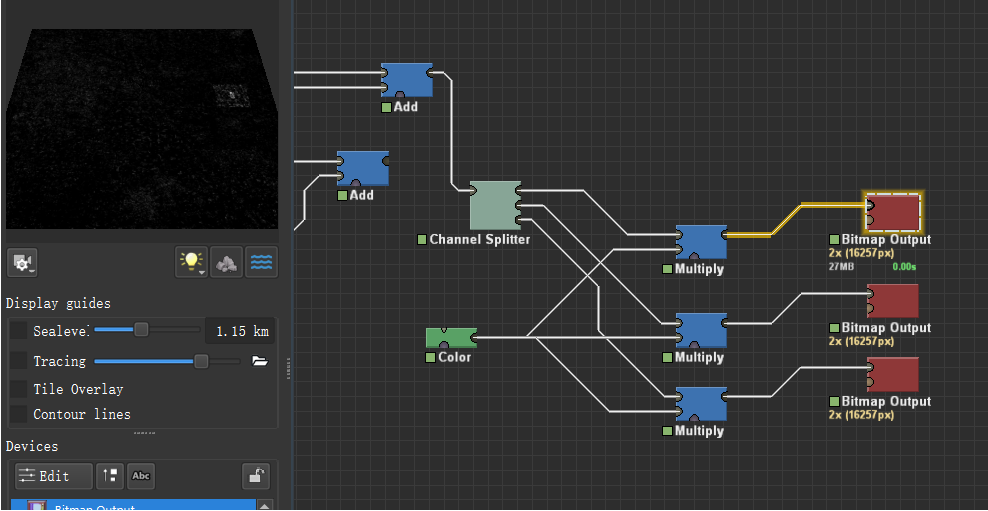
Here is the bitmap output I set in WM, different channel means different material.

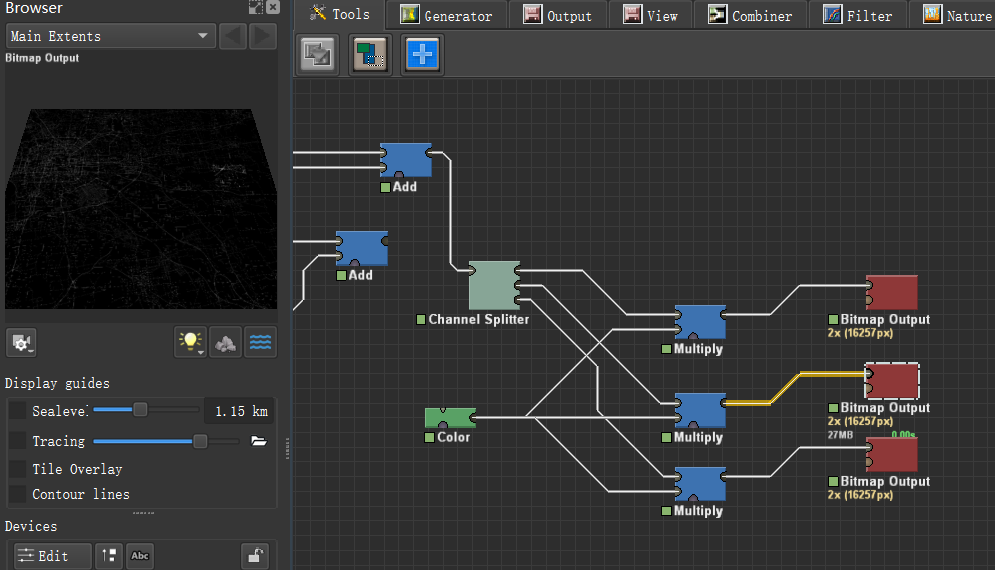
Yesterday I tried to set higher resolution of the BitmapOutput Device as the picture above, and the high resolution part is black in UE4…
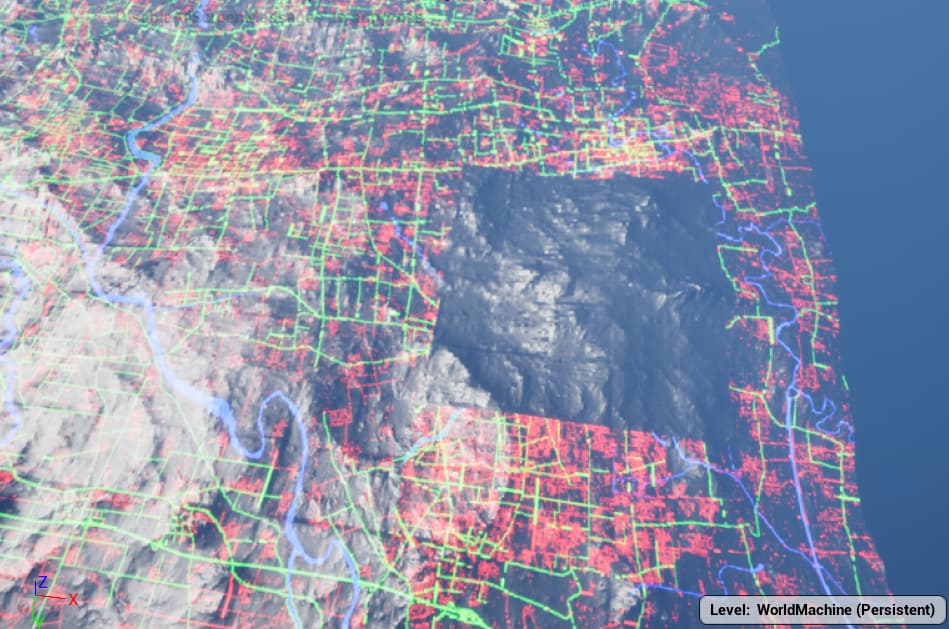
I chatted with my workmate , he didn’t have a solution either. Any advice will help.Thank you again.