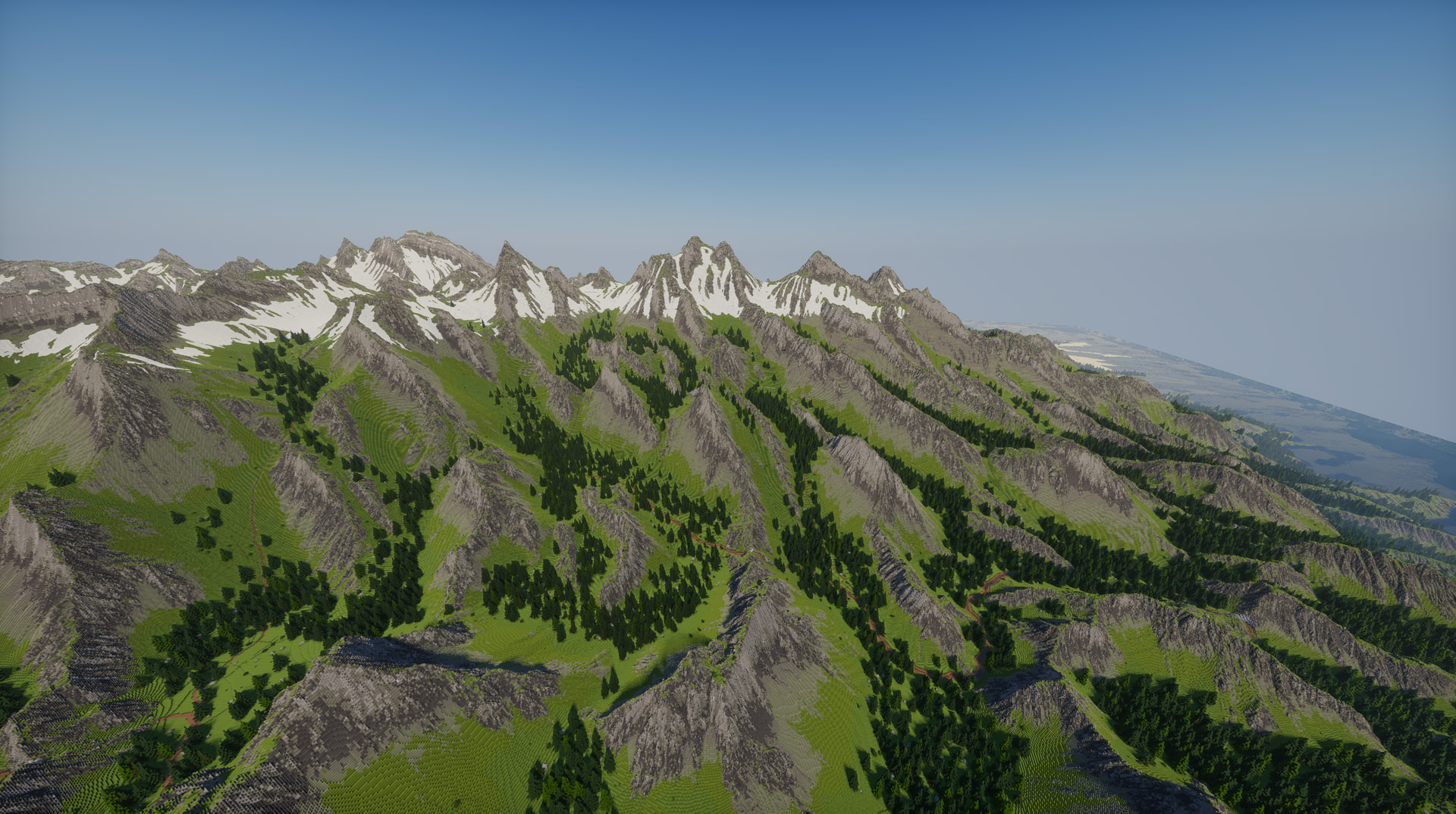
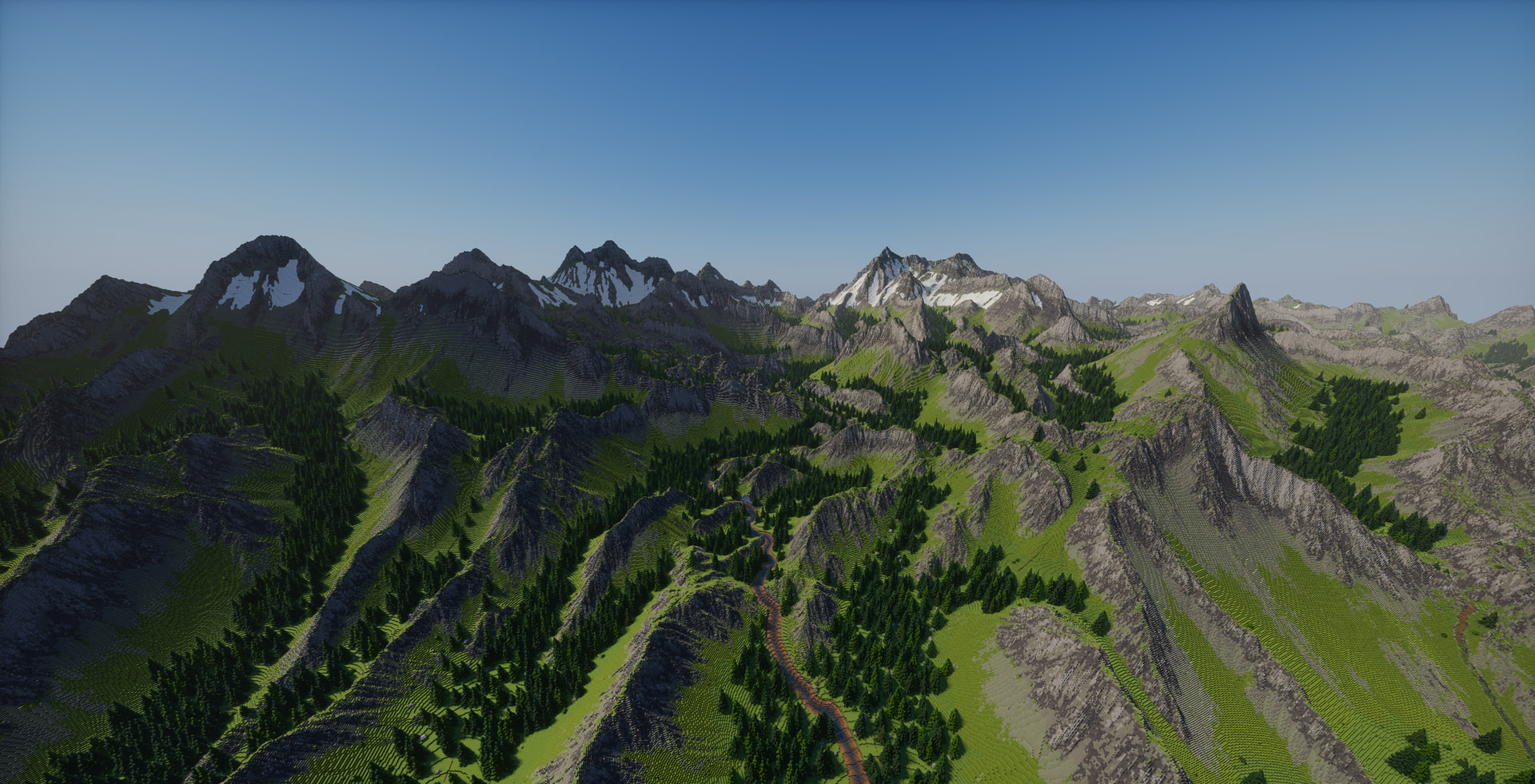
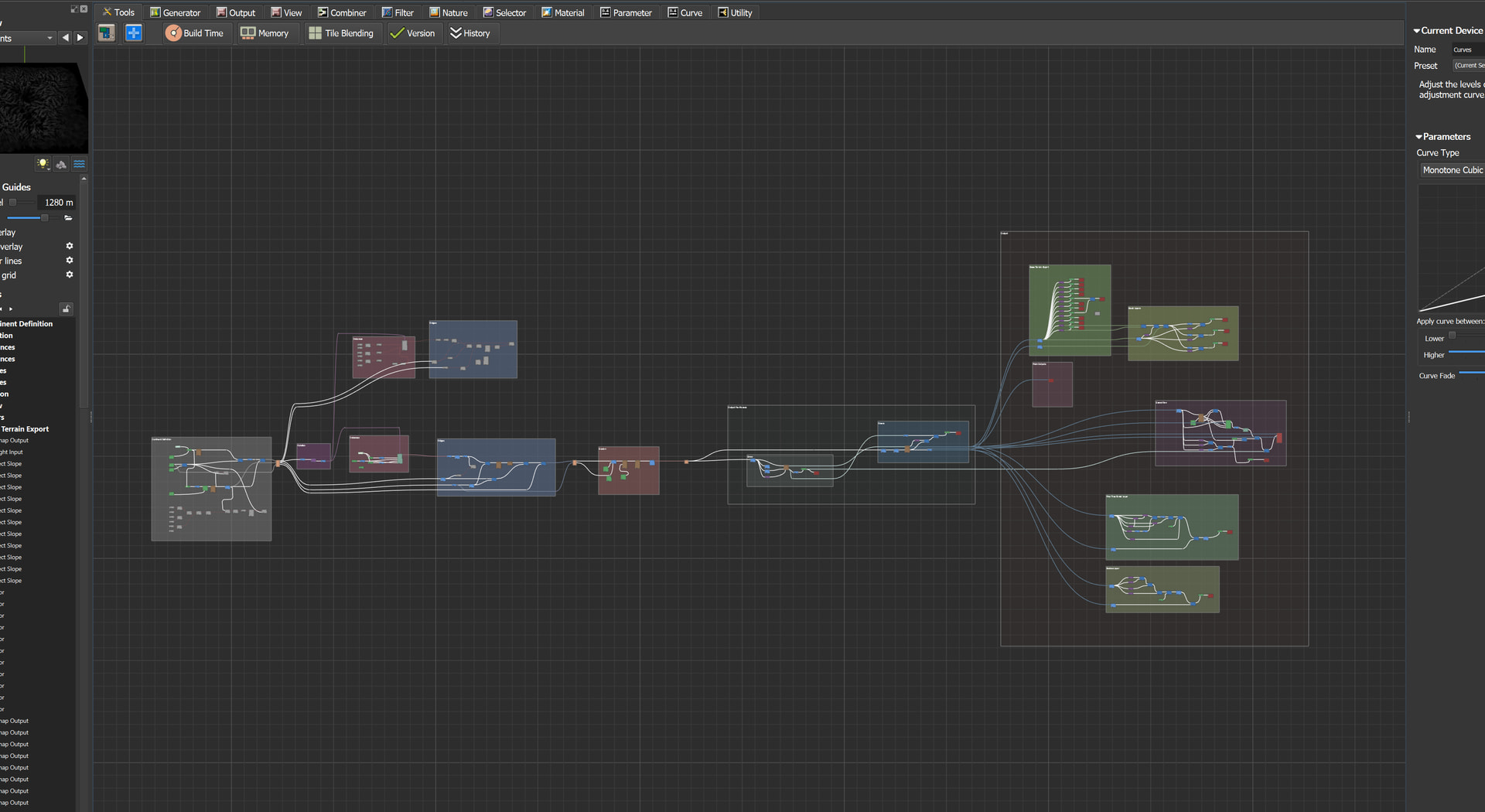
The world machine file is coming a long and I think im getting the terrain close to how I want it to look. World Machine is used to generate the terrain mapping, as well as mappings for all the trees and such. Using some scripts I export all of that straight to Minecraft where the screenshots are taken. I still have work to do, primarily adding a lot of river detail, which Im creating a custom program to do that.
3 Likes
Very cool! Beautiful alpine setting.
1 Like
Really cool! How did you do the rock material masking? Is it just slope based or is there anything else going on?
1 Like
its generally just slope based for now with some specifics for certain terrain types, i might get more complex with it though. Each slope range outputs to separate bitmap file, these then get loaded by a separate script i have which maps the image to a world painter “.terrain” file. Then the script loads each terrain type into world painter and places it on the terrain.
A similar thing is done for the trees/plants/etc, although those have more complex setups for creating the output image files. The script then maps each of those images to a world painter “.layer” file which then is also imported into world painter.
Im also creating a separate program that does more complex processes with the river images to place stones and various terrain patterns along the river (make it look more like a real river basically). I may add more to that program as well. For example, for the terrain, I have a more complicated colorizer that I like (utilizes erosion masks/talus better), and I may export that as a bitmap image. Then the program could do a palette mapping from pixel color → nearest minecraft average block color to make the coloring a bit better.
The worldpainter import script, and the custom program are both still WIP, so im not releasing them until they are done, but the source code will be released publicly once im done with the project.
1 Like