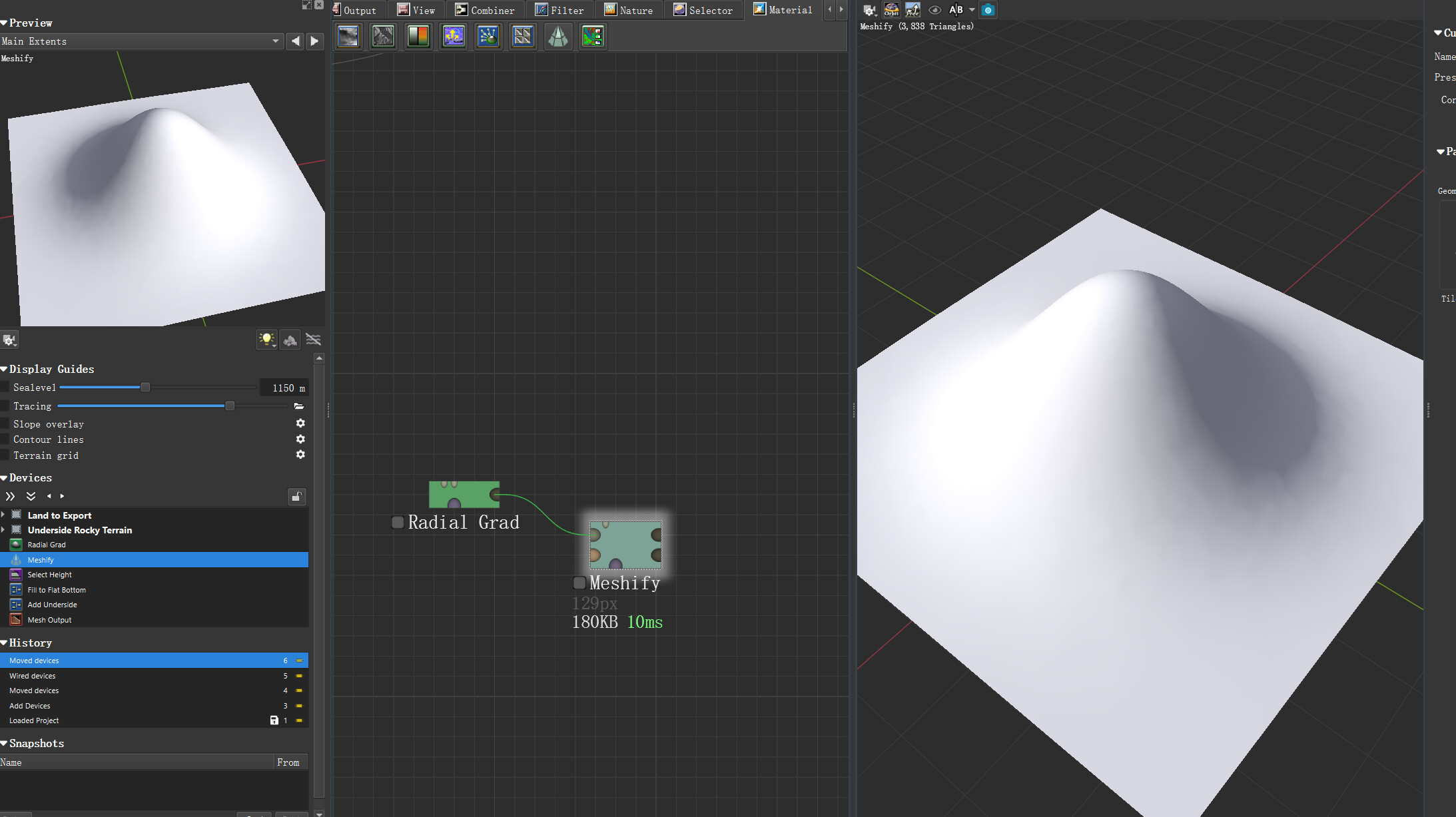
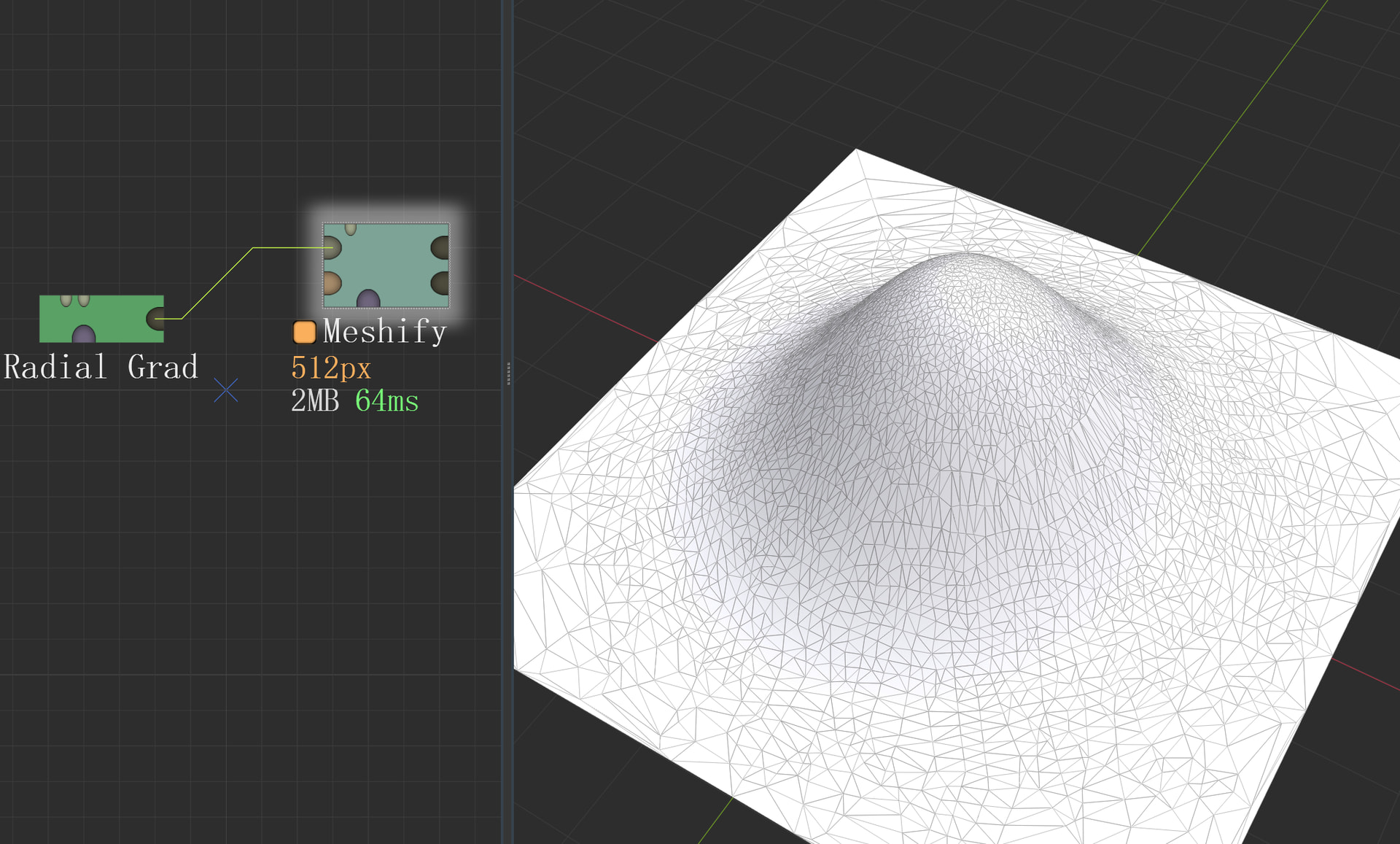
The new AMD driver is causing Meshify nodes to fail to display wireframes in 3D preview mode.
(I’m using translation software, so it might sound a bit strange.)
I’ve verified this on two PCs with Radeon RX 7900XT and RX 9060XT processors. Installing driver 25.10.2 or 25.11.1 will definitely cause the wireframes to fail to display. The World Machine versions tested included 4048Basic and 4049Standard.
While this is most likely not a World Machine issue, I still felt it was necessary to share this with others encountering similar problems — reverting to drivers from September or earlier will fix the issue.
On my 6600 test system I can’t duplicate this issue. It is an older generation of hardware though - but that does narrow down the affected systems at least.
Hopefully a further driver update will fix this with no further work.
I forgot to mention before that I have two monitors on my main machine: one connected to the 7900XT and a smaller one connected to the motherboard’s HDMI port (my CPU is a 7900X, which has an RDNA 2.0 iGPU).
Since the 6600 doesn’t have this problem, I just did an interesting experiment:
I updated the driver to 25.11.1 again.
(Oh, and I forgot to mention, this time AMD seems to have two driver versions for different CPU generations. I downloaded the 7900XT and iGPU drivers separately from their website and got two driver packages with different suffixes:
“-s” is for the iGPU and “-nov” is for the 7900XT. In fact, when you install the latest driver for the discrete graphics card, it will also prompt you to download the integrated graphics driver separately.)
Then I use different monitors to open World Machine:
① When I only used monitor 1 (connected to the 7900XT), the problem persisted; no wireframes were displayed.
② When I only used monitor 2 (connected to the iGPU), the problem disappeared! The wireframe display is normal;
③ The problem persists when I use two monitors simultaneously;
It seems the only solution is to wait for a new driver. I’ll revert to the old version for now. If a new driver is released, I’ll test it and share the results here.
Update: The 25.12.1 driver released yesterday still has the same problem after testing.
Integrated graphics (RDNA 2.0) displays correctly;
Dedicated graphics (RDNA 3.0) does not display wireframes;
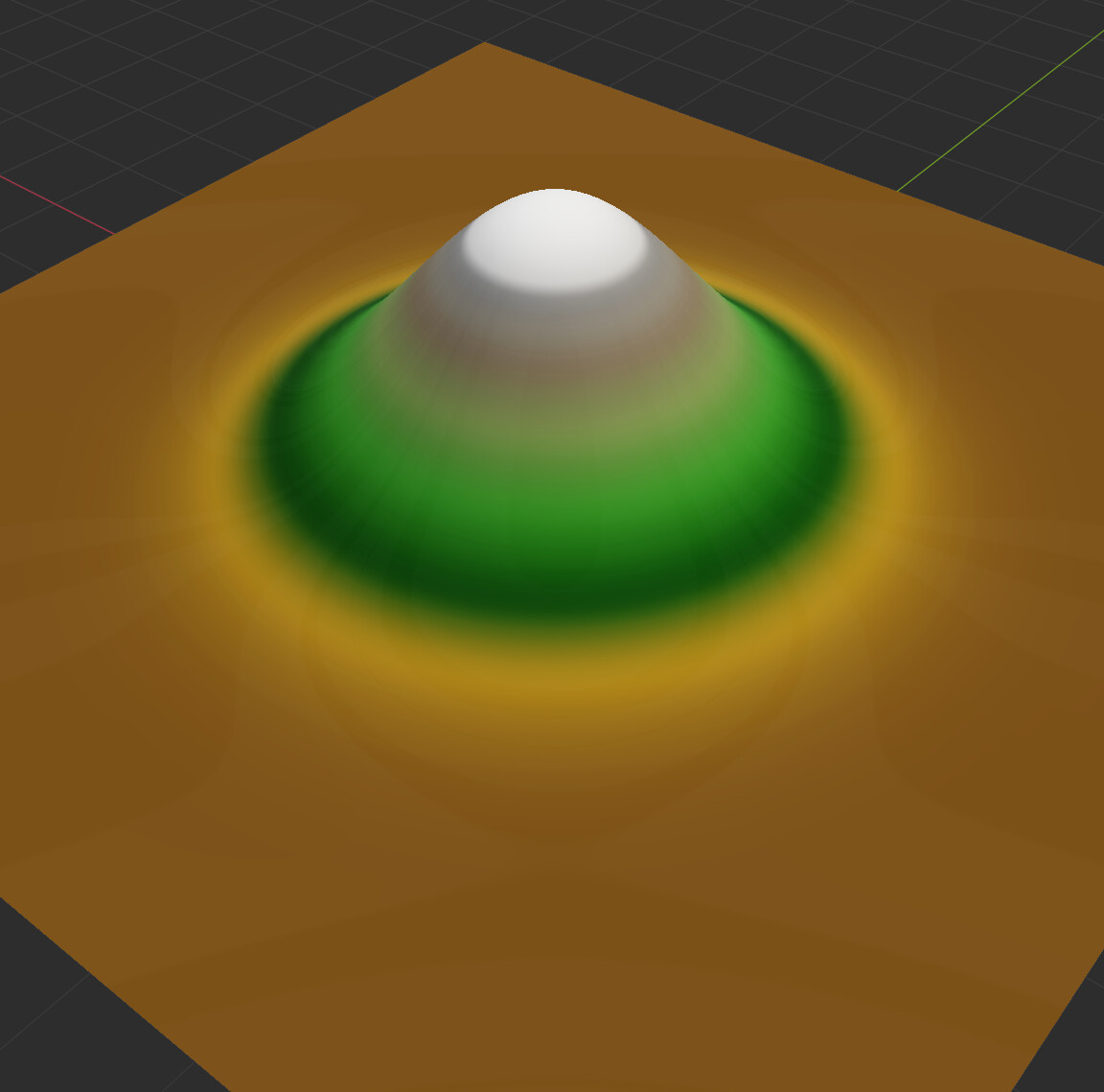
In addition, I noticed a glossiness issue in the basic preview display this time, making it look like it’s covered with an oily film, which is the case on both graphics cards.