What is the best way to add AO to a Colormap?
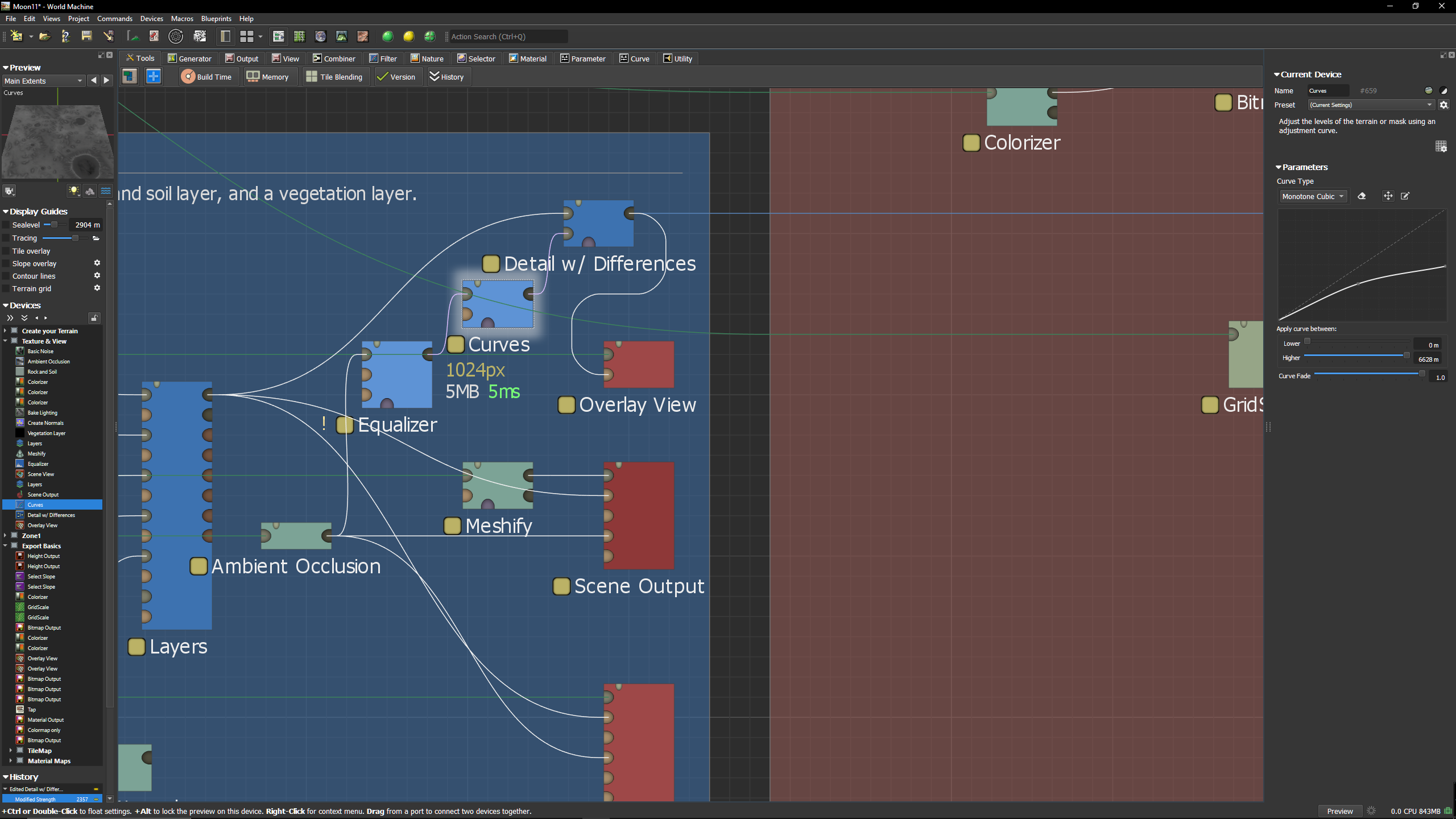
I now use Combine with Multiply. It gets a OK result but not Awesome
What is the best way to add AO to a Colormap?
I now use Combine with Multiply. It gets a OK result but not Awesome
i do maps mostly for minecraft
so do not use that thing
due to that can not suggest something useful
If your engine supports AO directly you should use the map seperately so that the lighting engine in the endpoint can apply it appropriately for best results.
If you’re baking down to a single colormap, then combine with multiply is probably the best way but it will certainly darken the image.
Now we’re getting firmly into the land of “Stylized” AO rather than attempting to model reality, but with that caveat:
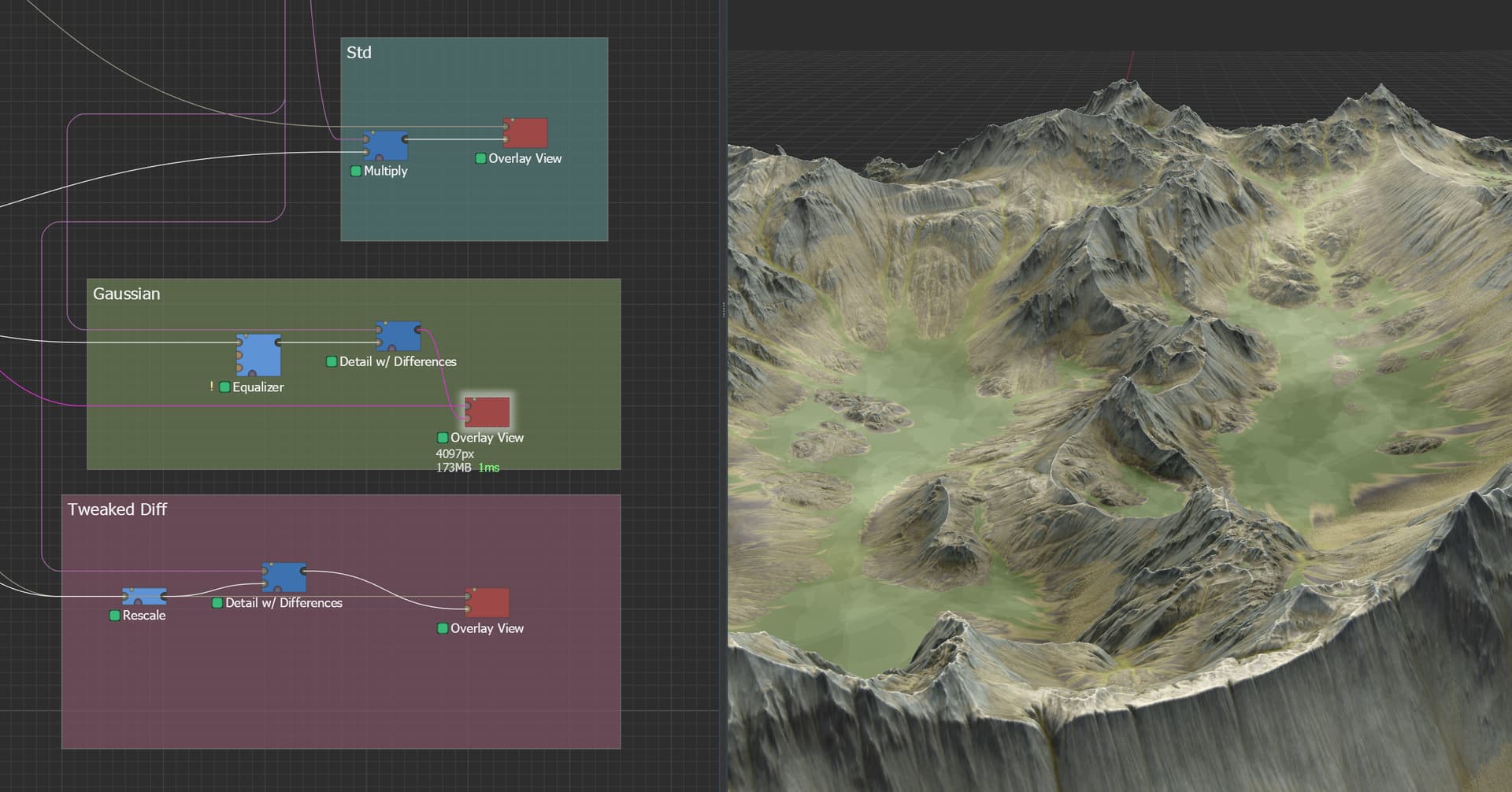
I personally like the result if you use an “Overlay” or “Detail with Differences” combiner mode, along with an adjusted levels of the AO map. In particular, an easy one is to use an Equalizer set to ‘Gaussian’ mode, which will put most of the levels near the midtones with a few outliers - exactly what you want with Detail mode, where the midtone 0.5 means “change nothing”.
Thank you for reply
My Engine do not support AO directly, So I need to “bake it” in to Colormap.
I will try your “path” forward and see what I will come up with.
Thank you
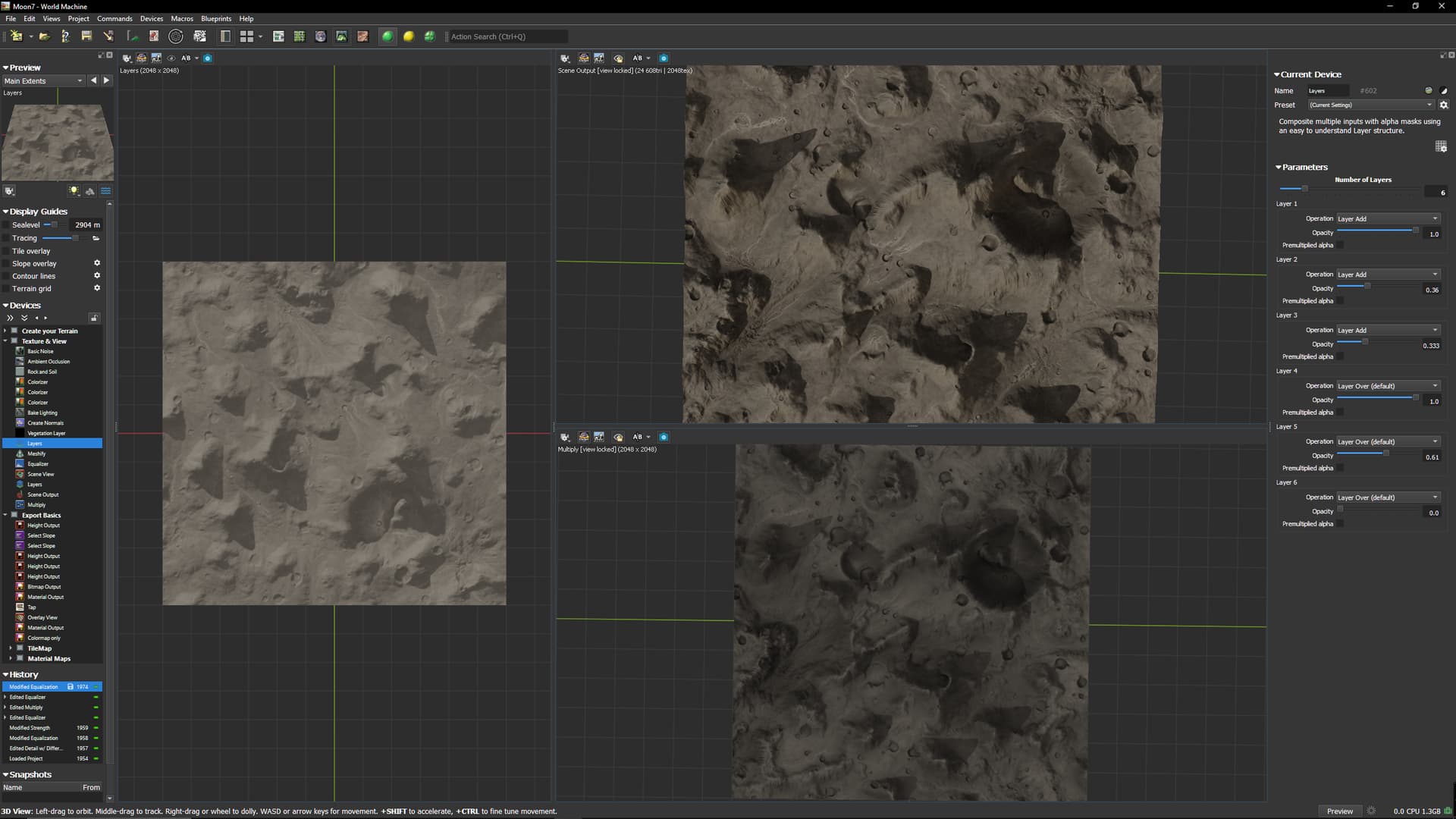
So 3 diffrent rendering
Left is Colormap without AO
Right Top is with “Real AO”
Right Bottom is “Combined AO and Colormap” with Equalizer and Multiply
If I just could save that Top right 2D Colormap…LOL