Can somone help me confirm this or am I doing something wrong?
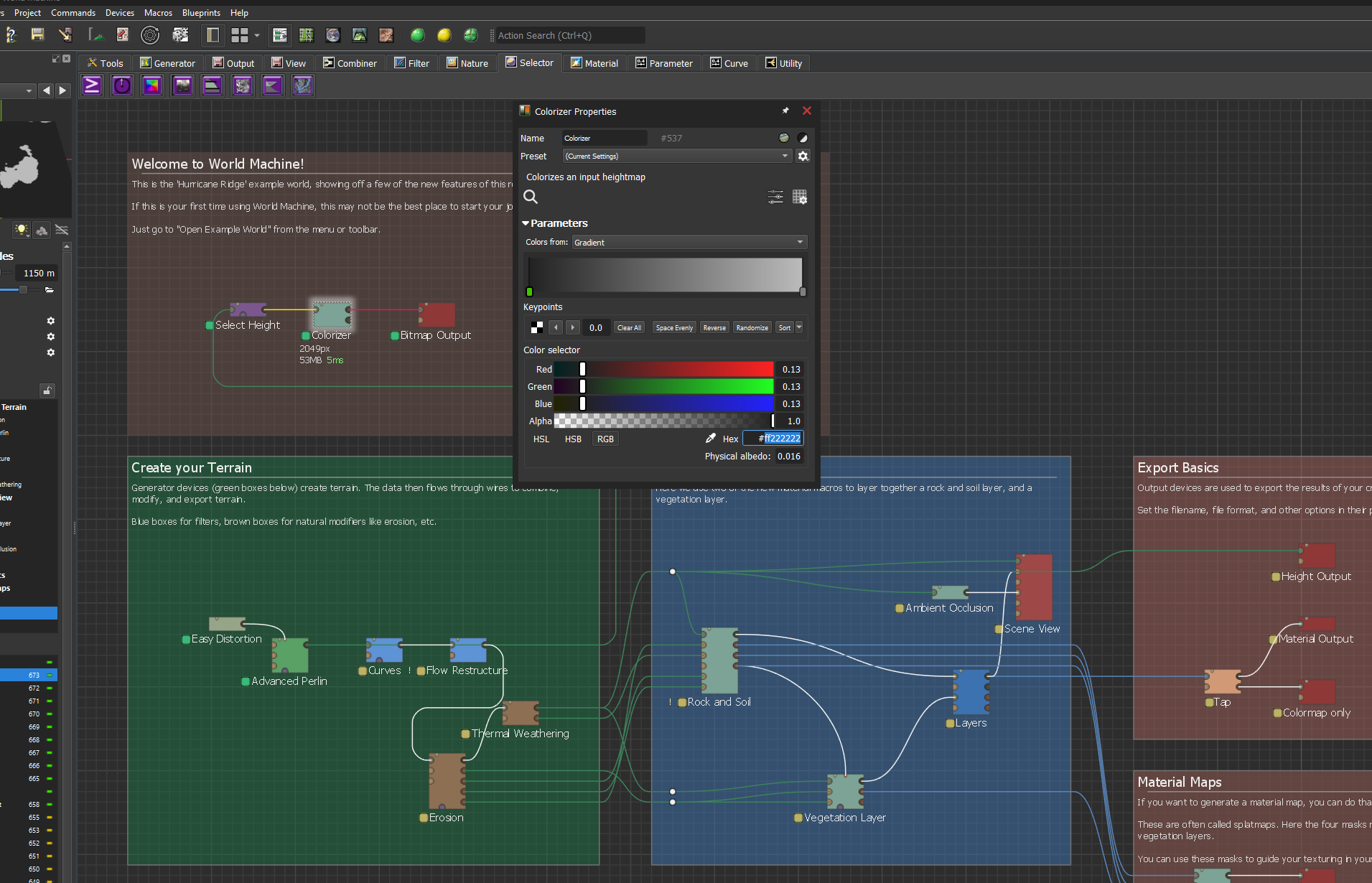
When I set the Colorizer nod to #FF222222 (it should be RGB 34) it export the bitmap to RGB 33 #FF212121.
I am using WM4050
Open WM
add Slope, Colorizer and output bitmap and set slope falloff to 0
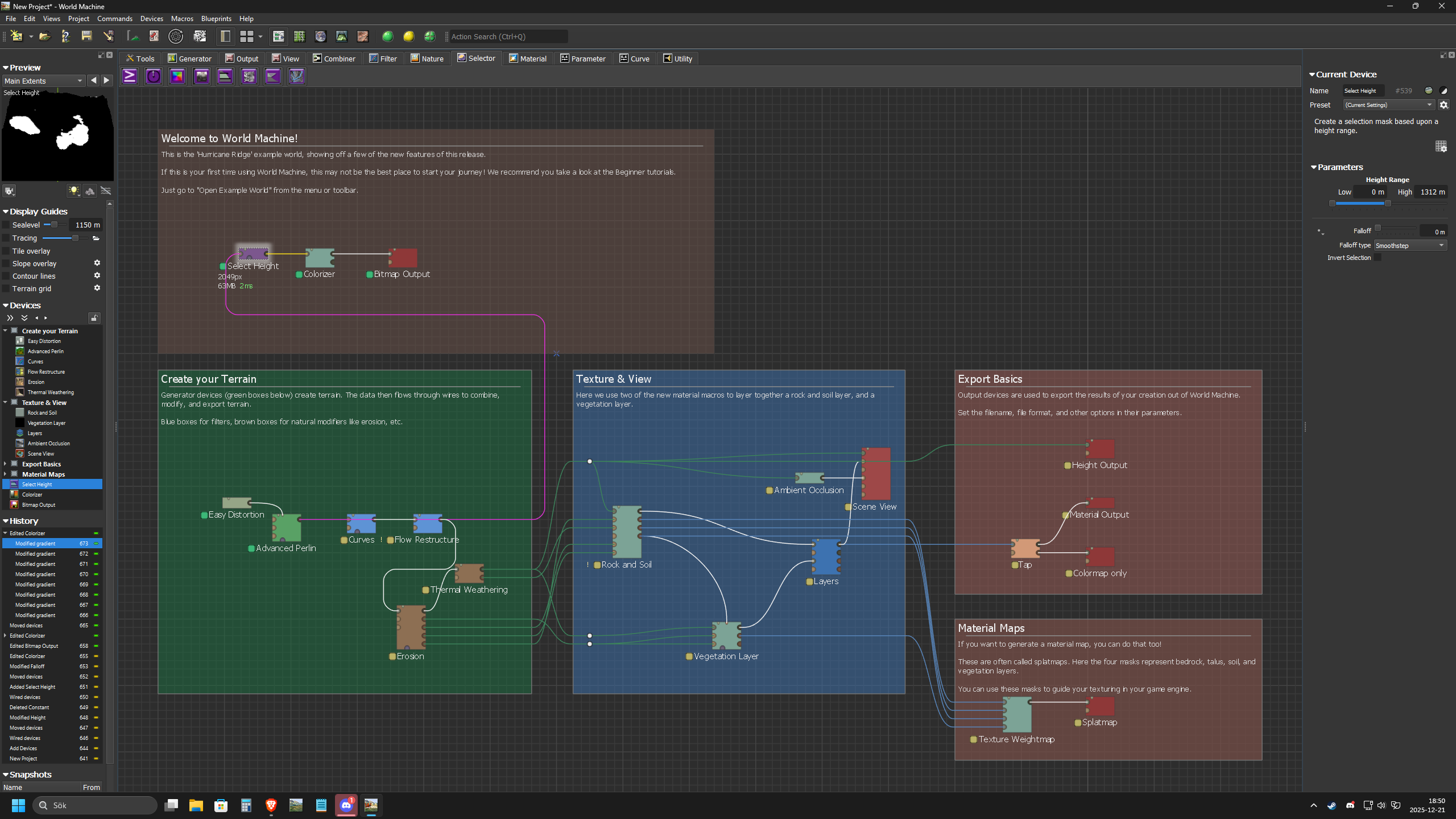
Open Colorizernod and edit HEX #FF222222
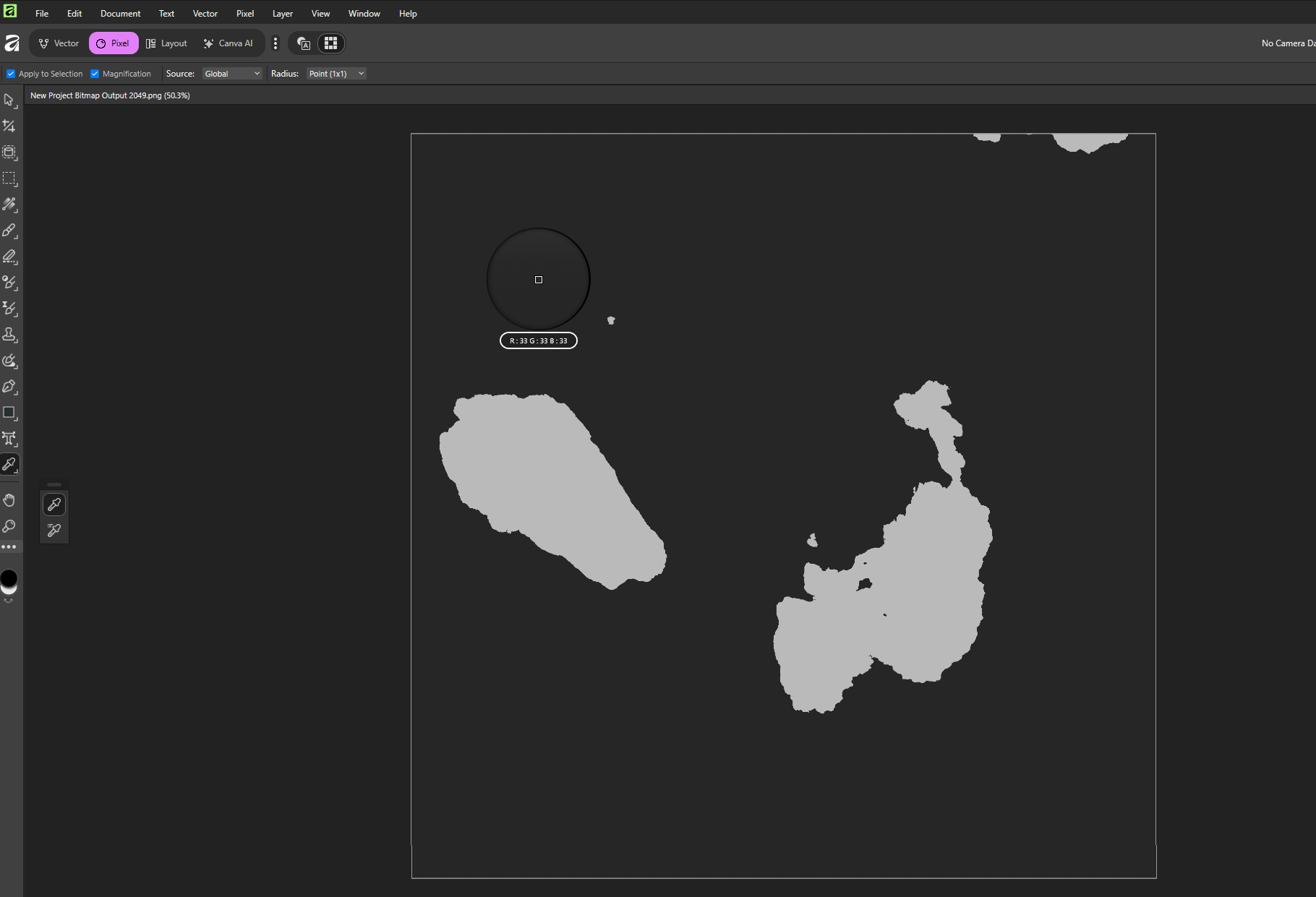
Build using yellow button. Save File, Open file In Photoshop software
and check the black value. The black is now 33.33.33.
There is also one other strange thing happening in the Colorizenod
When you now click on each of the RGB value (0.13) the HEX#value changes to FF212121
If someone could try this and see if it is my computer or WM…