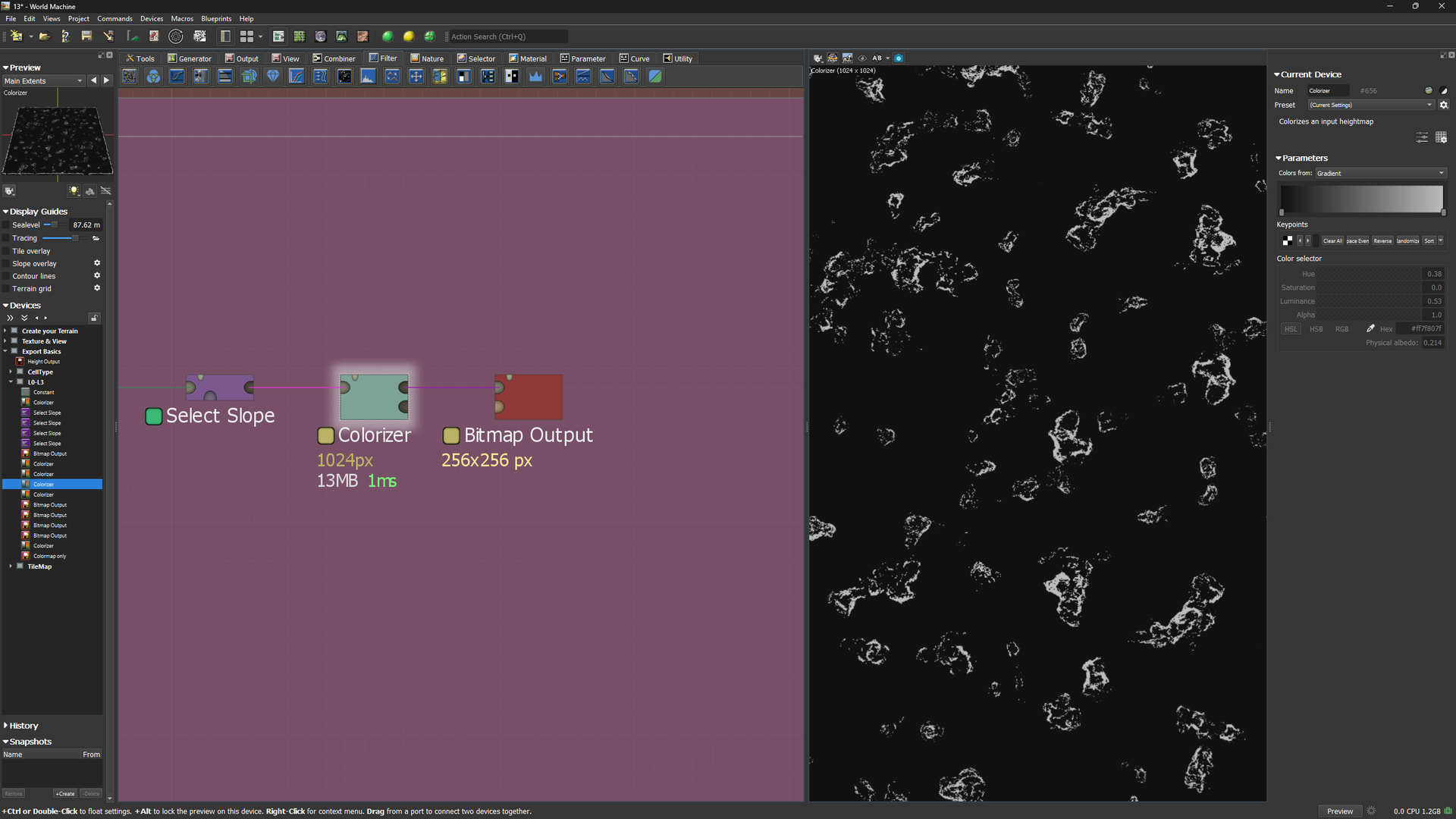
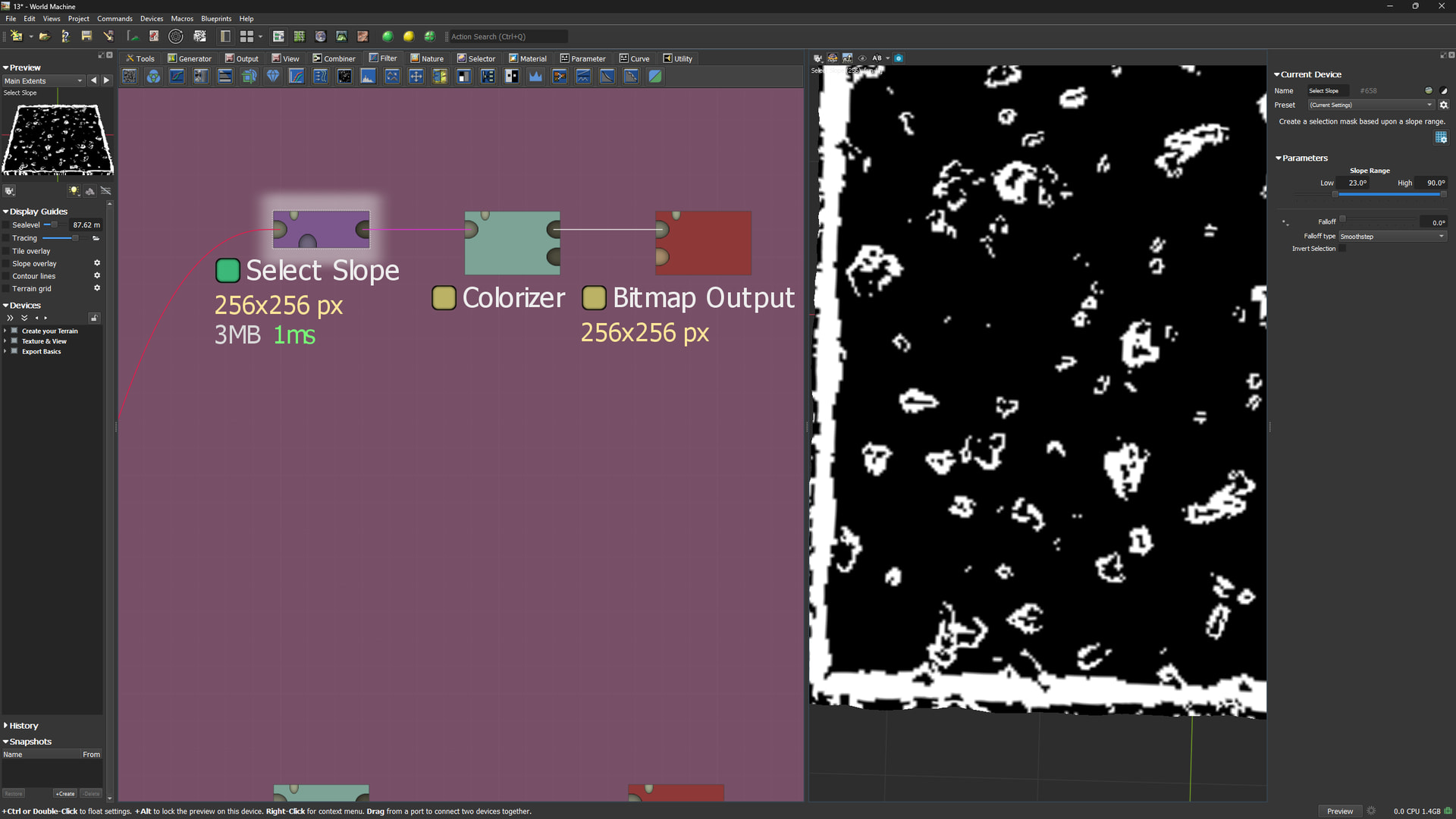
Your “slope selector” controls your gradient, reduce falloff to zero, set it to linear for a good measure, then set your slope selection.
As for:
World machine works in linear color space, if you need to convert colorizer to 8 bit to set your color keys to that albedo value, first remap those values to linear 0-1, then input respective Black and White (0-1) “Physical albedo” value to those remapped numbers. Remember to export your bitmap into an 8 bit format, that should keep to the values you specified in your post. I’m bad at math, so you have to figure out that remapping on your own lol!
That is what I have tryed. Unfortinal will it not work.
I use Hex value converted from RGB value.
No gradiens are allowed. Two Color shall exist.
I tryed using a flat shape surface and come realy close. But still there exist some pixel slightly off. 10 pixel are 186 ,instead of 187 , 5 are 184. and the black are always 1 off 33 instead of 34.
Maybe I have to manually edit them in Photoshop to get them right..