So if I understand correctly, slope selector is not respecting your falloff settings?
First some preliminary stuff to get out of the way.
Is your project updated to the latest version? If yes, then is your slope selector also on the latest version?
If yes to both of the above, is your slope selector masked with some other selector?
If yes to both #1, and no to #2, then it’s at least not a user error at your end.
Try changing your falloff algorithm from “Smoothstep” to “Exponential” or “Linear”, see if that improves your situation. If it does, there’s a bug to be ironed out in that device.
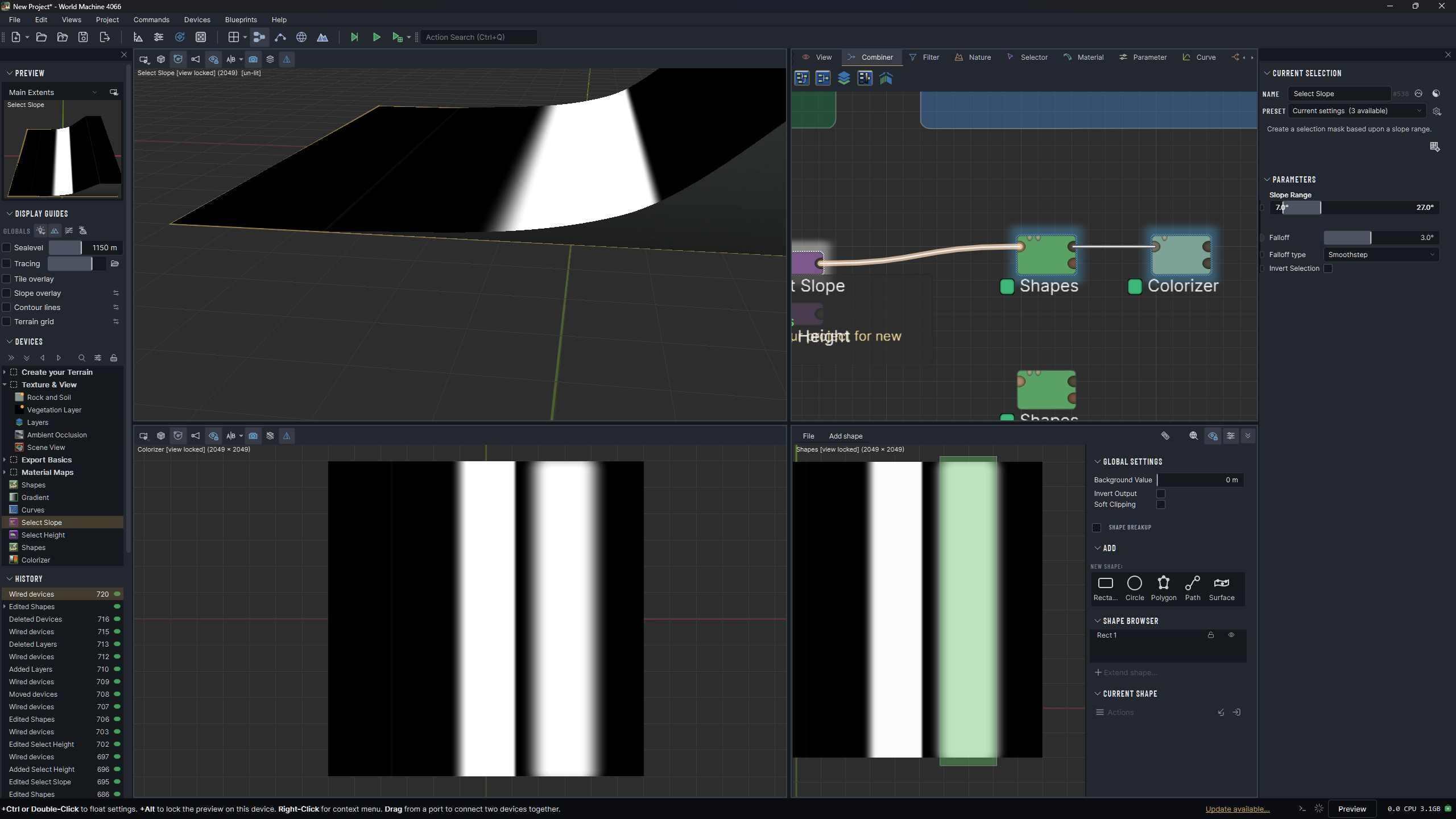
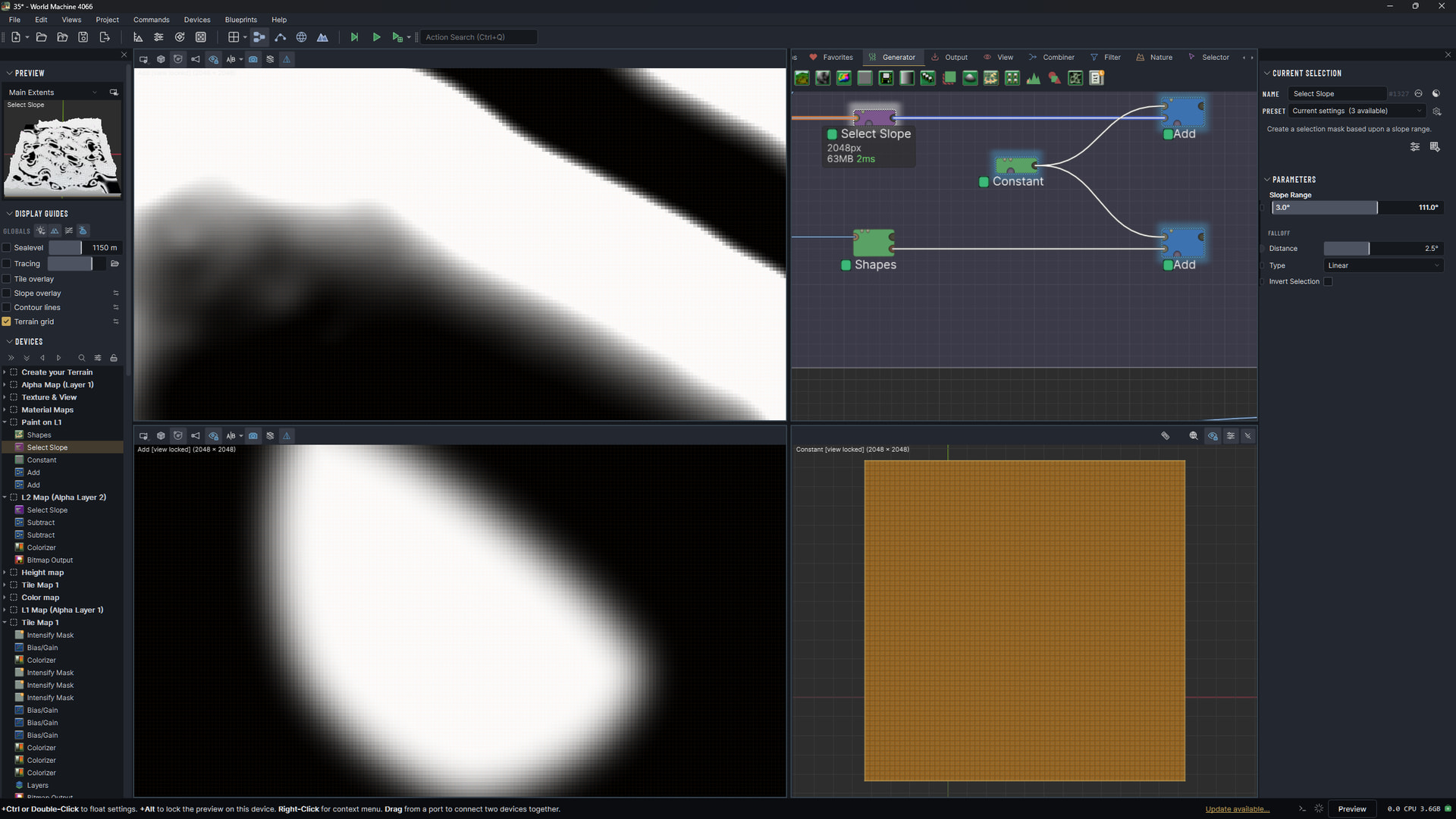
Topp Left are Slope selection. Watch how the white mask only fades down not up.
Bottom Left is a shape that fades all direction. That is a fade that I can control.
The problem is that using a slope selection makes a very sharp edge on one side and fades great on the otherside. That sharp line will than uncover the underlying texturemap
ah that is a bummer. You can always do a masking without any falloff, and then simply blur afterwards, that ensures you will always have a smooth transition, however, that transition will now be terrain feature agnostic.
As for why the slope node is behaving this way, I cannot tell you atm, is it possible to share your .tmd?
I’m curious about a few things here. First, a couple facts that might explain what you’re seeing:
A shape’s fallof (and the resulting mask) is always happening geometrically, by distance. The shape has a falloff of 50 meters or whatever, and it will always fade to zero over that distance.
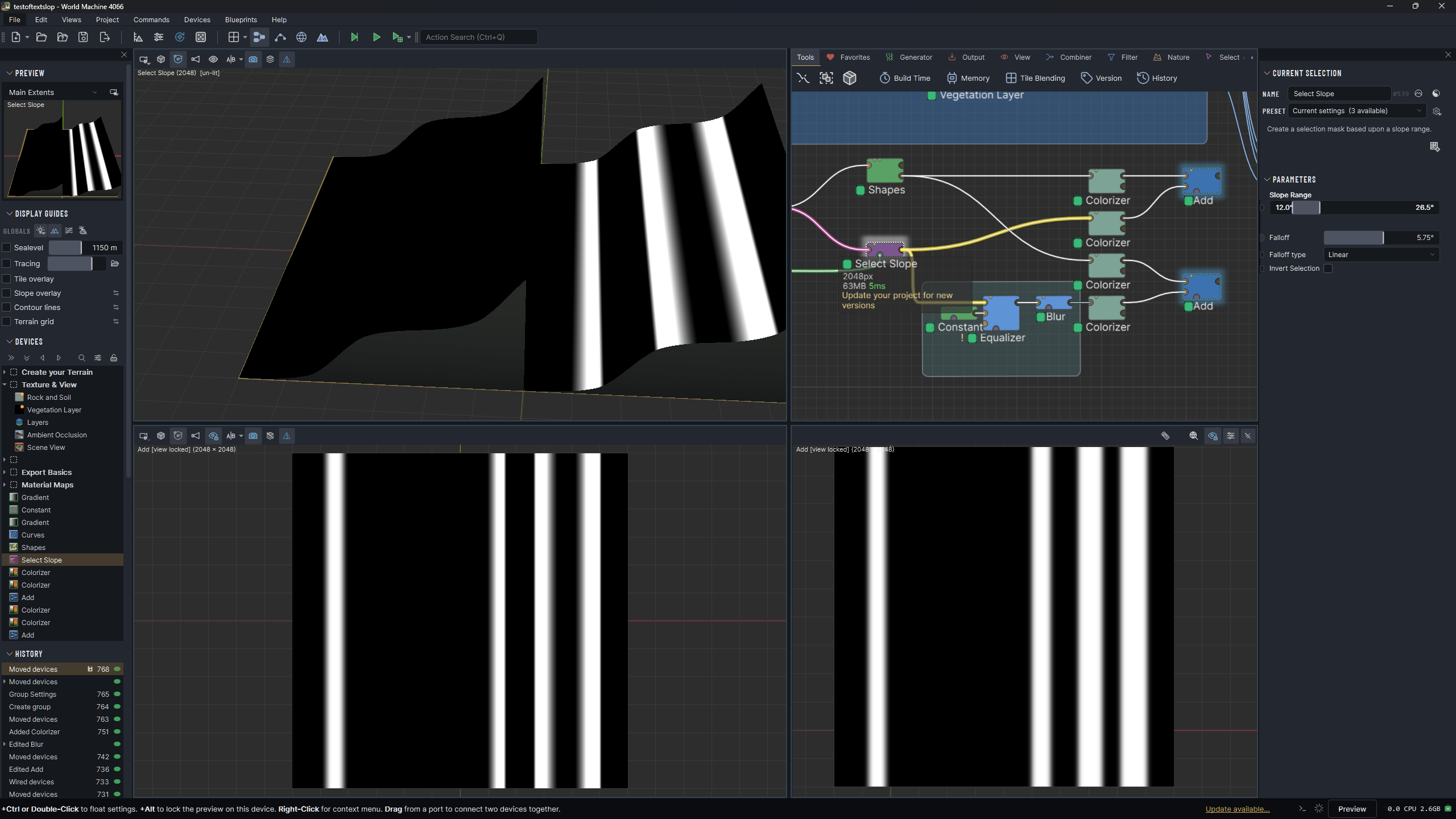
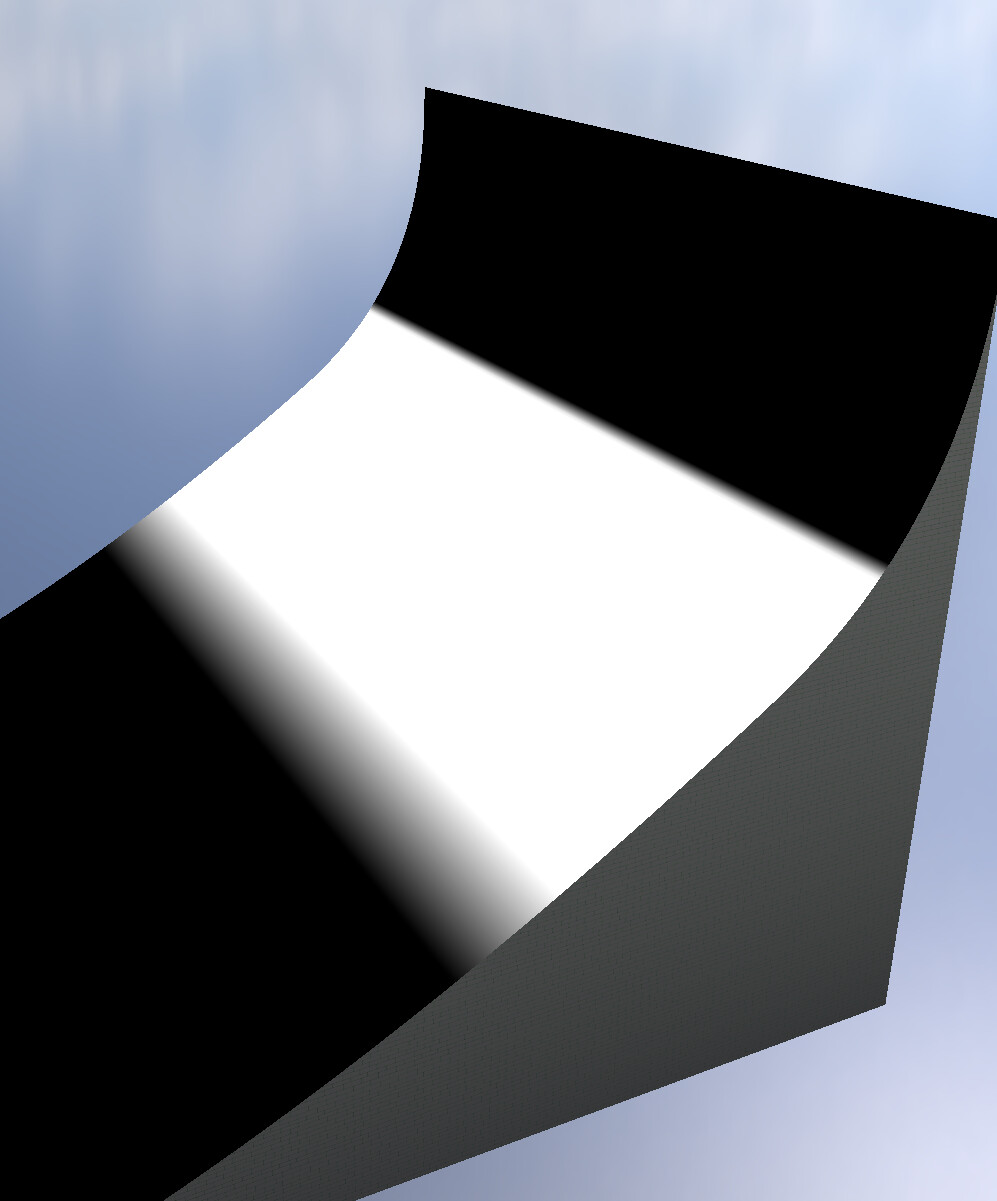
A slope (or height) selector does NOT do that - the falloff is defined by slope itself. So if you have a very steeply-increasing slope on your terrain, a 2 degree falloff will look much sharper on one side than the other. Like this:
That’s inherent to falloff in slope space given an input terrain that has ‘accelerating’ slope.
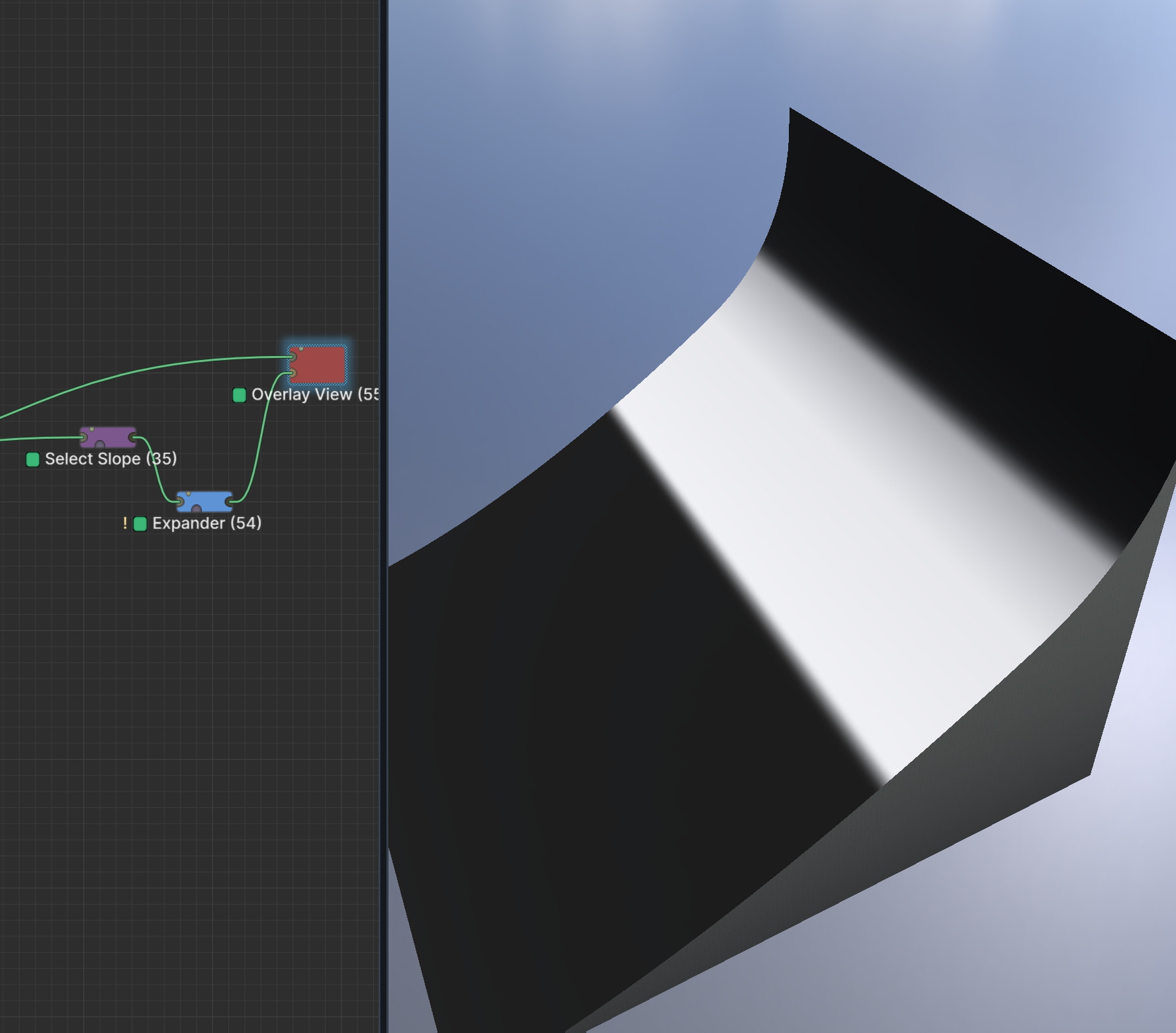
If what you really want is that ‘the falloff always happens over X meters in the world’, then I would use a sharp edge on the slope selector and pipe the result into an expander device, set to the distance you want to fuzz the mask over: