I am absolutely lost with importing terrains into unreal engine.
I export a 11km x 11km that has a total height of range of 0 to 753 metres height map in r.16 format .
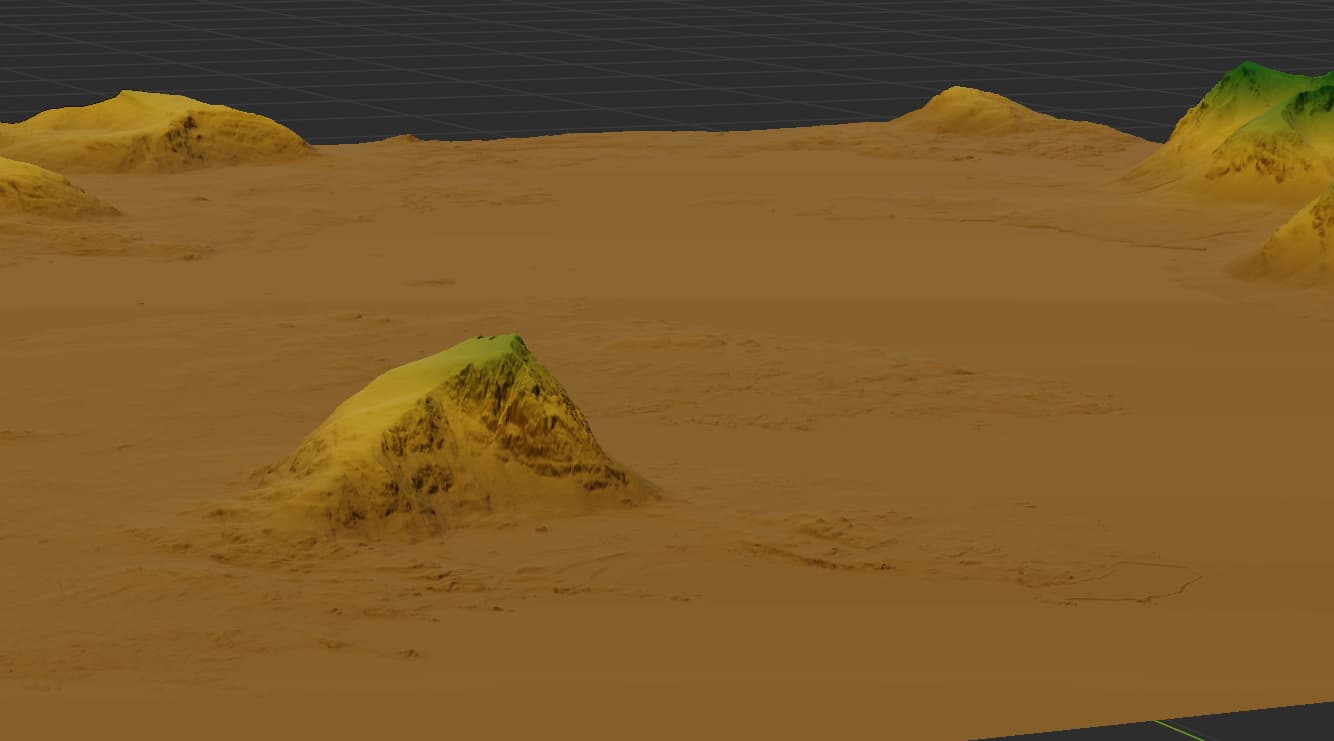
It looks like this in world machine. Which is how it looks in real life.
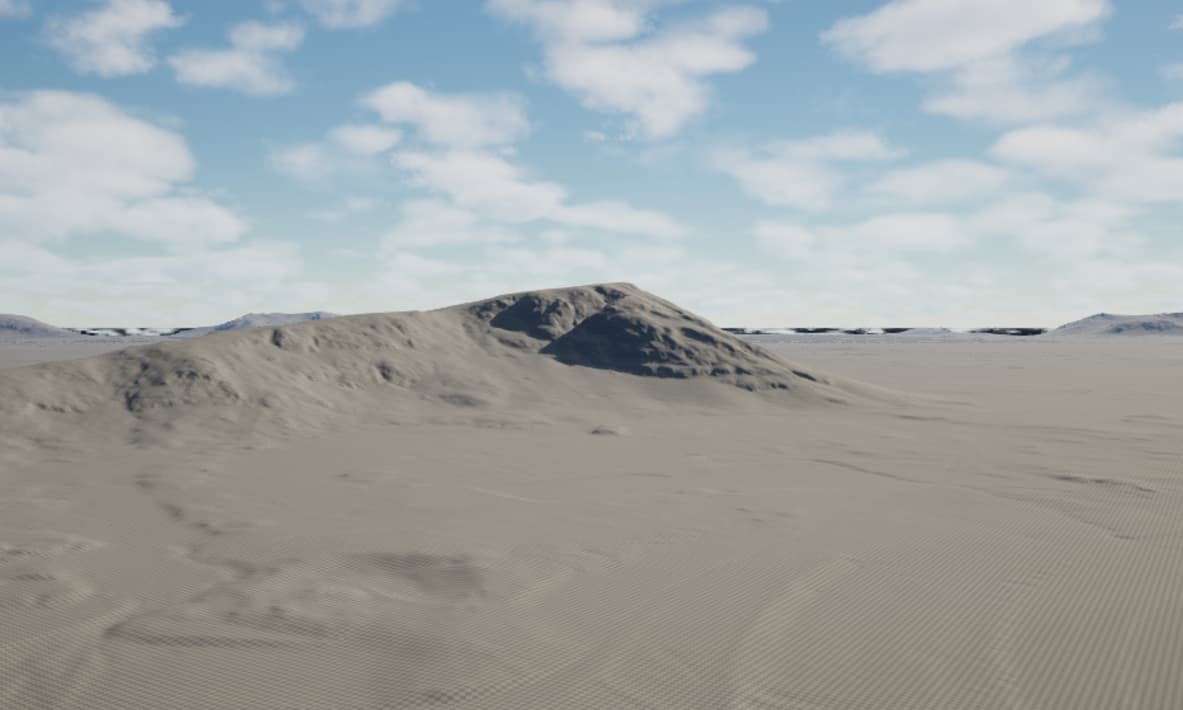
But when i import it to unreal engine its a flat terrain thats nothing like the world machine one.
Also in unreal it is only 8k x 8 km
what am i doing wrong
1 Like
could you show screenshot of WM project settings?
11km - it is inner size of WM - for Unreal you need not just size, but pixel resolution
Height difference of result may be caused by that🤔
There is alot of things to know to make a heightmap for UE.
Is it Landscape in UE?
check this out
https://dev.epicgames.com/documentation/en-us/unreal-engine/landscape-technical-guide-in-unreal-engine
Z height is calculated like this Calculate the Z scale for your heightmap.
- The Z scale equation is (Max height of your heightmap in meters) x (100 to convert to centimeters) x 0.001953125. For more information on calculating Z scale, see Landscape Technical Guide.
1 Like
Because you only have pixel data and bitmap information when you export images, you need to adjust the size settings in UE based on the data in WM.
If you are exporting obj directly, there is no such problem.
1 Like